Mixed units in one basket
For Hardware store owners & cashiers · 4 min read · Last reviewed 2026-08-04
A real hardware ticket is a jumble: a couple of length-priced cuts, a bag of screws at the bulk tier, a gallon of paint and a hammer. RetailPOS carries all of these in one basket — one tender, one receipt — without the cashier switching modes between item types.
This article shows how the three item kinds sit side by side so a busy Saturday counter keeps moving.
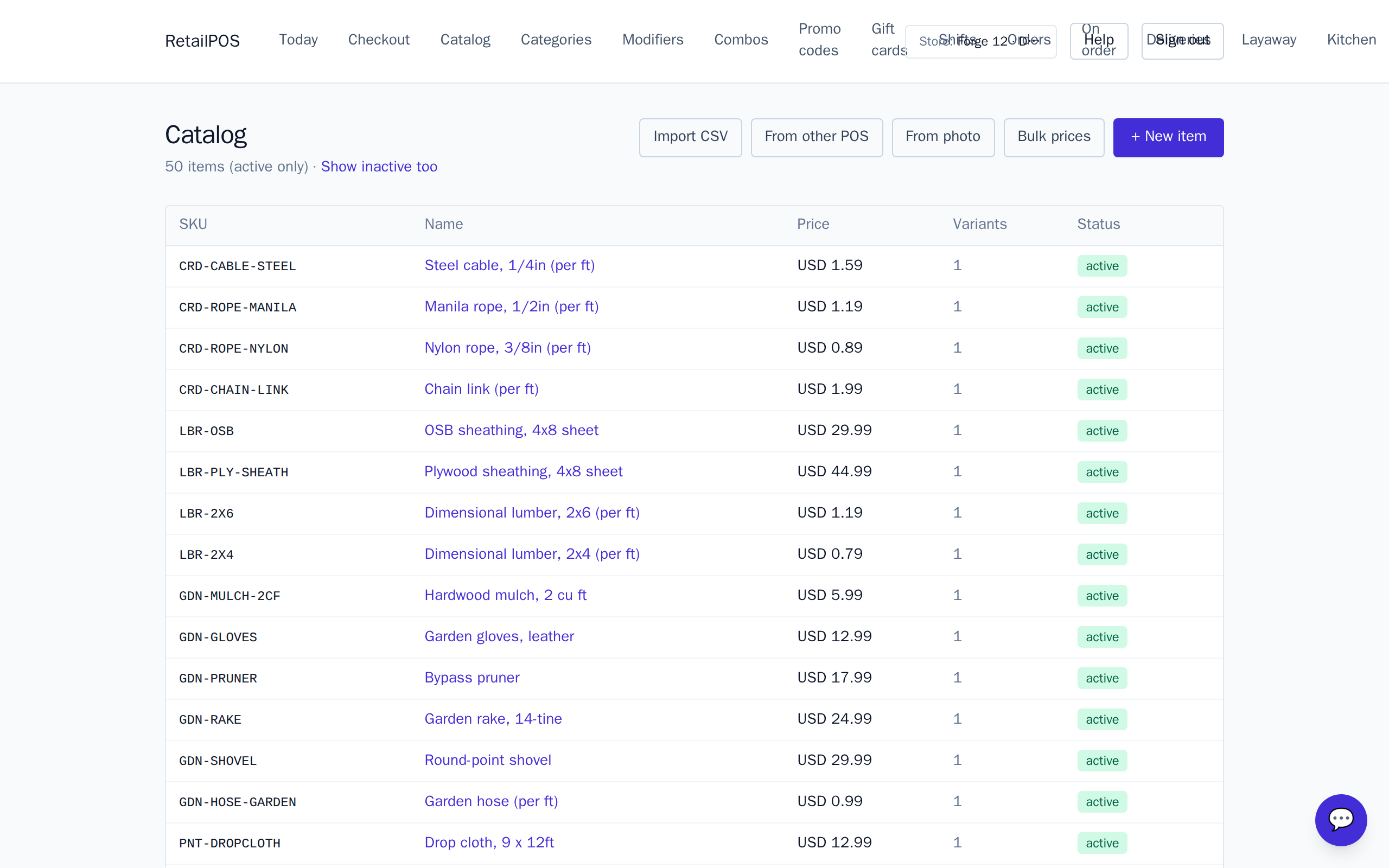
Three item kinds, one ticket
- Per-piece — scan a hammer or a duplex outlet; quantity is a count.
- Sold-by-length — enter the measured feet of cable or rope; the line total is per-foot price × length.
- Quantity-tiered — ring the number of screws; the till applies the matching bulk tier.
No mode switching
The cashier does not tell the till what kind of item is coming — the item already knows. Adding a length item prompts for a measurement; a tiered item prices itself off the quantity; a plain item just adds a line. It is one flow for the whole basket.
One tender, one receipt
When the basket is complete the cashier takes a single payment and prints one receipt. The length-priced lines show the length sold; the tiered lines show the price the customer earned by buying in volume. Stock decrements each line for what it actually was.
Frequently asked
- Do I switch the till into a different mode for cut items?
- No. The item carries its own behaviour, so length, tiered and per-piece items all go in the same basket with no mode switch.
- Does stock still update correctly across mixed lines?
- Yes. Each line decrements stock for what it was — feet of cable, count of screws, or a single tool.
Put it into practice.
Open your shop and try it live. Free until your first 100 sales — no card, keep your hardware.