Set up the Coffee pack
For Café owners · 5 min read · Last reviewed 2026-08-04
A café sells the same espresso a hundred ways — hot or iced, small or large, oat or whole, an extra shot, a pump of vanilla. The Coffee packsets up a drinks menu built for exactly that, with recipe inventory so a latte draws down beans and milk, not “lattes.”
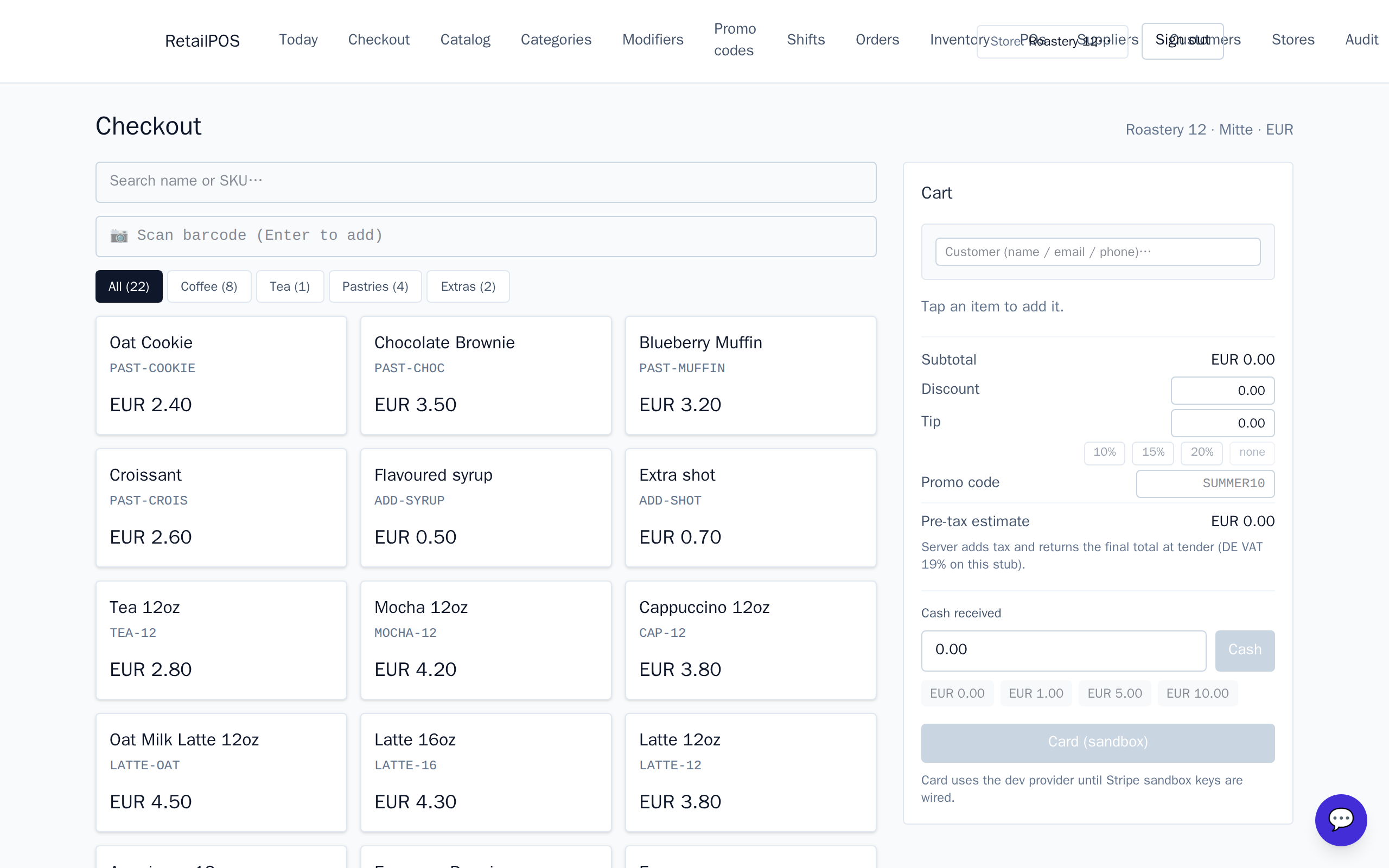
What to set up next
- Recipes & ingredient inventory — drinks that draw down beans and milk.
- Milks, shots & syrups — free and paid modifiers.
- Combos & punch-card loyalty — meal deals and the tenth-coffee-free card.
Frequently asked
- Can I sell iced and decaf versions of a drink?
- Yes — model them as variants of the drink so the menu stays tidy and each has its own price and recipe.
Put it into practice.
Open your shop and try it live. Free until your first 100 sales — no card, keep your hardware.