Special-order fulfilment: on order to delivered
For Owners & managers · 6 min read · Last reviewed 2026-08-04
When a customer buys a piece that isn’t on the floor, you’re not selling stock — you’re promising to source it. Fulfilment status tracks that promise at the line level, so one order can mix a floor lamp that leaves today with a sectional that arrives in six weeks.
A special-order line doesn’t decrement your floor inventory at the till — the goods are still at the supplier. Instead it moves through a small lifecycle you drive from the back office as the shipment lands and the delivery goes out.
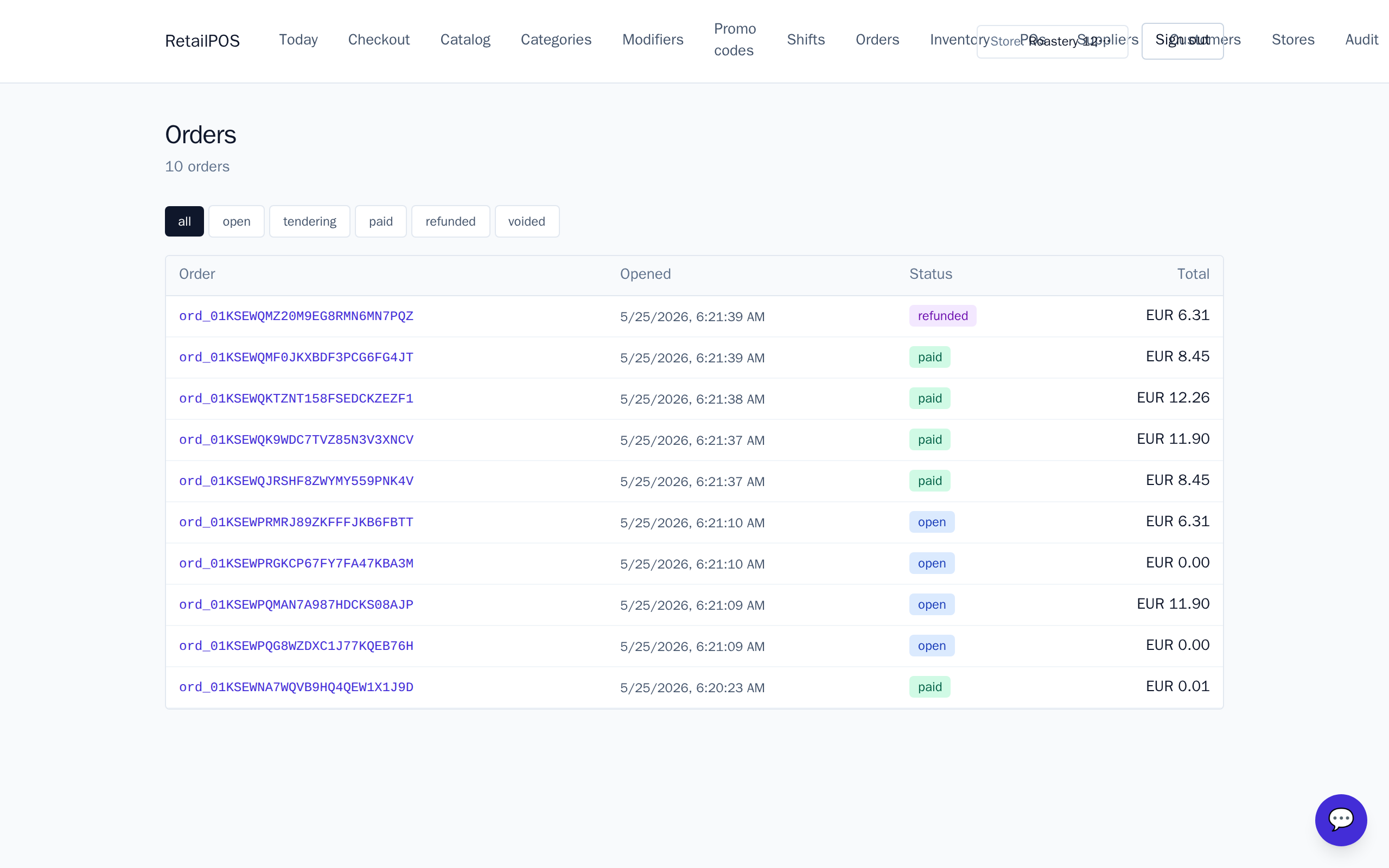
The fulfilment lifecycle
Each line carries a fulfilment status:
- Available — in stock; sells and decrements the ordinary way.
- On order — special-ordered from a supplier; floor stock untouched.
- Ready — arrived at your dock, waiting for the customer or delivery.
- Delivered — the customer has it; the line is complete.
Ring a special-order line
- Add the piece to the order as usual, then mark the line on order.
- Record the supplier and the expected ready date so staff can answer “when is my sofa arriving?”
- Add any custom details — fabric, finish, leg — as line notes for the supplier.
- Take a deposit (see layaway) and the order stays open.
Move lines as the goods arrive
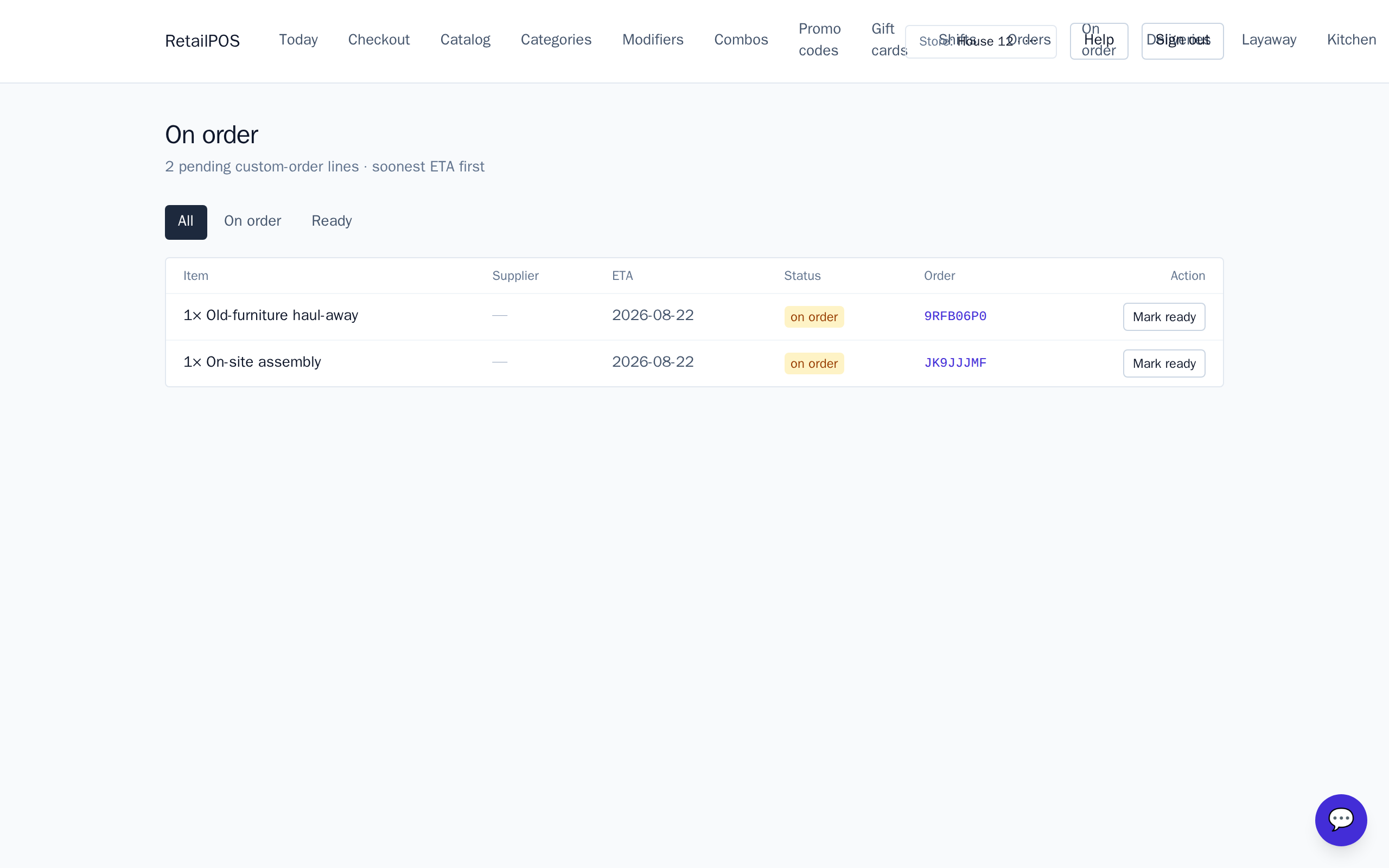
Find the order under On order in the back office. When the shipment lands at your dock, move the line to ready; when the customer collects or the delivery completes, move it to delivered. Each transition is explicit and audit-logged, so there’s a clear record of where every promised piece stands.
Frequently asked
- Does a special-order line reduce my floor stock?
- No. On-order lines skip the pay-time stock decrement because the goods are still at the supplier, so your floor counts stay accurate.
- Where do I move a line from ready to delivered?
- On the On order page in the back office. Each line shows its fulfilment status and you move it explicitly as the goods arrive and go out.
Put it into practice.
Open your shop and try it live. Free until your first 100 sales — no card, keep your hardware.