Selling produce by weight
For Grocers & cashiers · 5 min read · Last reviewed 2026-08-04
You don’t sell “an apple” — you sell a bag of apples that weighs whatever it weighs. RetailPOS handles this with sold-by-weightitems: the price is set per kilogram, and the weight is entered at the till so the line total is always right for what’s in the bag.
The Grocery pack already ships the common loose lines this way — apples, bananas, oranges, tomatoes and grapes are priced per kg. Pre-packed produce (a 1 kg bag of potatoes, a boxed dozen eggs) stays a normal per-unit item.
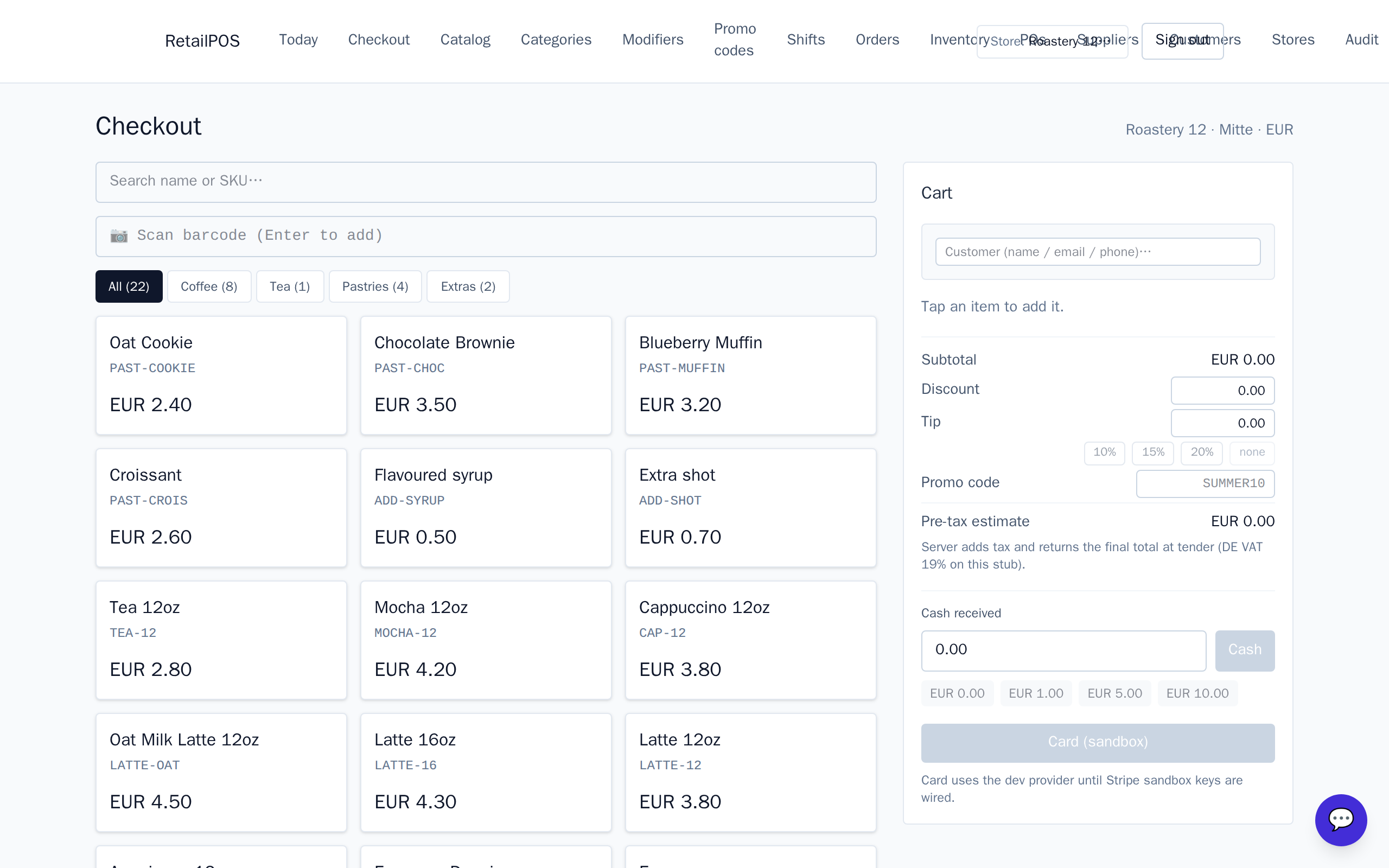
Mark an item sold-by-weight
- Open the produce item in the Catalog.
- Set its weight unit to kg so it’s sold by weight, not per piece.
- Set the price as the price per kilogram — for loose apples, the price of one kilo.
Ring a weighed item at the till
When a cashier adds a weighed item, they enter its weight — from the scale — and the line price computes as weight × price per kg. Sell 0.42 kg of apples at €2.50/kg and the line reads the right amount, no mental arithmetic and no typed totals.
Stock and weighed items
Weighed produce still draws down stock as it sells, so your on-hand reflects the shelf. Set low-stock thresholds on fast movers so you reorder before the crates run out.
Frequently asked
- How is the line price worked out?
- Weight times the price per kilogram. Enter 0.42 kg of a €2.50/kg item and the line reads €1.05.
- Do I need every produce item to be weighed?
- No. Loose produce is sold by weight; pre-packed items like a 1kg bag or a boxed dozen stay ordinary per-unit items.
Put it into practice.
Open your shop and try it live. Free until your first 100 sales — no card, keep your hardware.