Inventory: stock levels, low-stock alerts and adjustments
For Owners & managers · 6 min read · Last reviewed 2026-08-04
Stock in RetailPOS is per storeand moves on its own: a sale decrements on-hand the instant it’s paid, and a refund restocks it — never more than was sold. You set opening stock and thresholds; the register keeps the count honest from there.
This covers setting stock, low-stock alerts, manual adjustments and how movements are recorded.
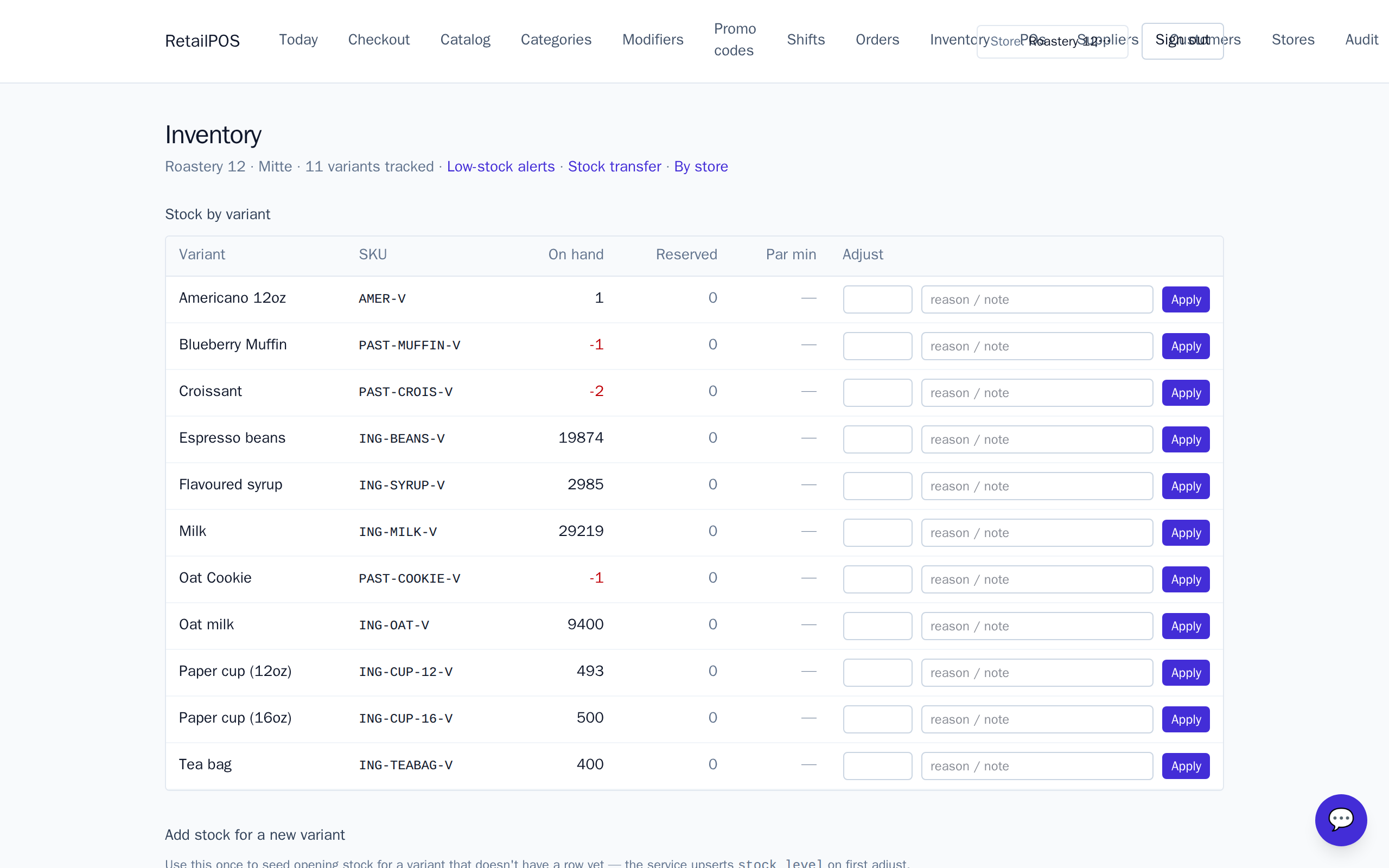
Set opening and on-hand stock
- Open Inventory for the active store.
- Set the on-hand quantity for each stocked variant.
- Sales and refunds adjust it automatically from then on — you rarely touch it by hand again.
Low-stock thresholds
Set a par / minimum per variant. When on-hand drops to it, the item shows on the low-stock list so you know what to reorder. Turn low-stock lines straight into a purchase order.
Adjustments and movements
Wastage, breakage, a miscount — make a manual adjustment with a reason. Every change (sale, refund, adjustment, transfer, PO receipt) is written to the movements log, so on-hand is always explainable, not just a number.
Frequently asked
- Does stock update when I sell?
- Yes, instantly. On-hand decrements inside the same transaction that marks the order paid, so the cashier sees the updated count before the receipt prints.
- Do refunds restock?
- Yes, proportionally, and never more than was sold.
Put it into practice.
Open your shop and try it live. Free until your first 100 sales — no card, keep your hardware.