Set up the Grocery pack
For Grocers & market owners · 5 min read · Last reviewed 2026-08-04
A neighbourhood grocer carries far more than a curated shelf — loose produce weighed at the till, dairy and bakery that turn over fast, pantry staples, frozen, drinks and household lines. The Grocery pack seeds all of that as departments so you can sell from day one and rename the samples to match your aisles.
It also switches on the two things a corner-shop POS usually can’t do: selling apples and bananas by weight, and charging & refunding bottle deposits on drinks. This guide gets the pack installed and points you at both.
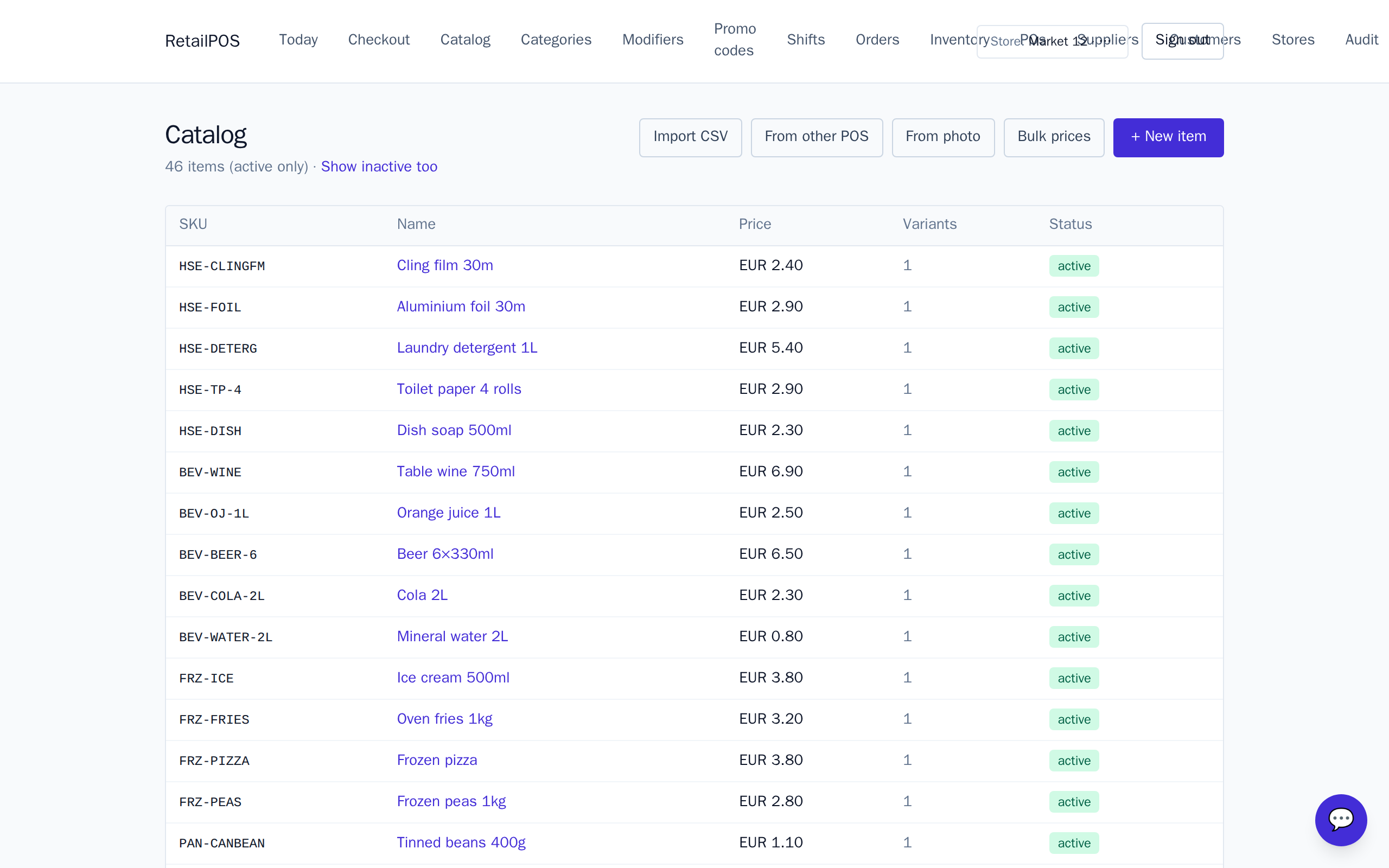
Install and shape your departments
- Install the Grocery pack on a fresh store.
- It seeds departments — Produce, Dairy & Eggs, Bakery cabinet, Pantry, Frozen, Beverages and Household — each pre-filled with sample items.
- Rename the samples to your real lines, set your prices, and add or remove items per aisle.
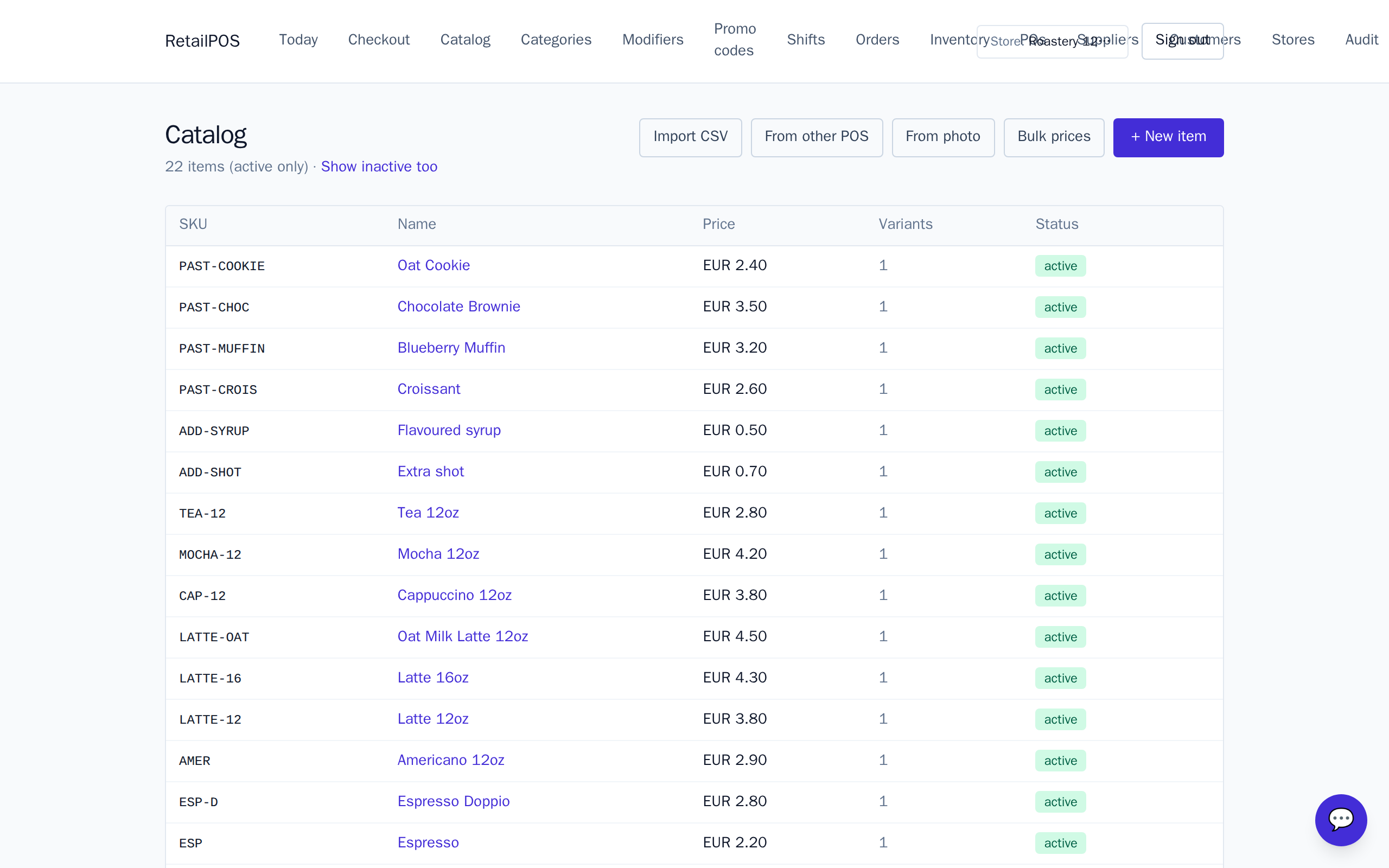
Scan or search at the till
Packaged lines carry a barcode, so a cashier scans and rings. For anything without a barcode — loose produce, an unlabelled item — type a few letters of the name to pull it up. The register is built for a full shop of SKUs, not a short menu.
What to set up next
- Selling produce by weight — apples and bananas priced per kilo, weighed at the till.
- Bottle deposits & returns — add a deposit to drinks and refund it when empties come back.
- Bulk price breaks — cheaper per unit when a customer buys a multipack or a case.
Frequently asked
- Does the pack come with items or an empty shop?
- It seeds a full sample shop across seven departments — produce, dairy, bakery, pantry, frozen, beverages and household — so you can rename the samples rather than start from a blank catalogue.
- Can I add my own departments?
- Yes. The seeded departments are a starting point — add, rename or remove categories to match how your shop is laid out.
Related articles
Put it into practice.
Open your shop and try it live. Free until your first 100 sales — no card, keep your hardware.