Service types and tax (dine-in vs takeaway)
For Restaurant owners & managers · 5 min read · Last reviewed 2026-08-04
In many places the tax on a meal depends on how it’s served — eat-in can be taxed differently from takeaway. RetailPOS puts a service typeon each order and applies the right tax for it, so you’re not doing mental arithmetic at the till.
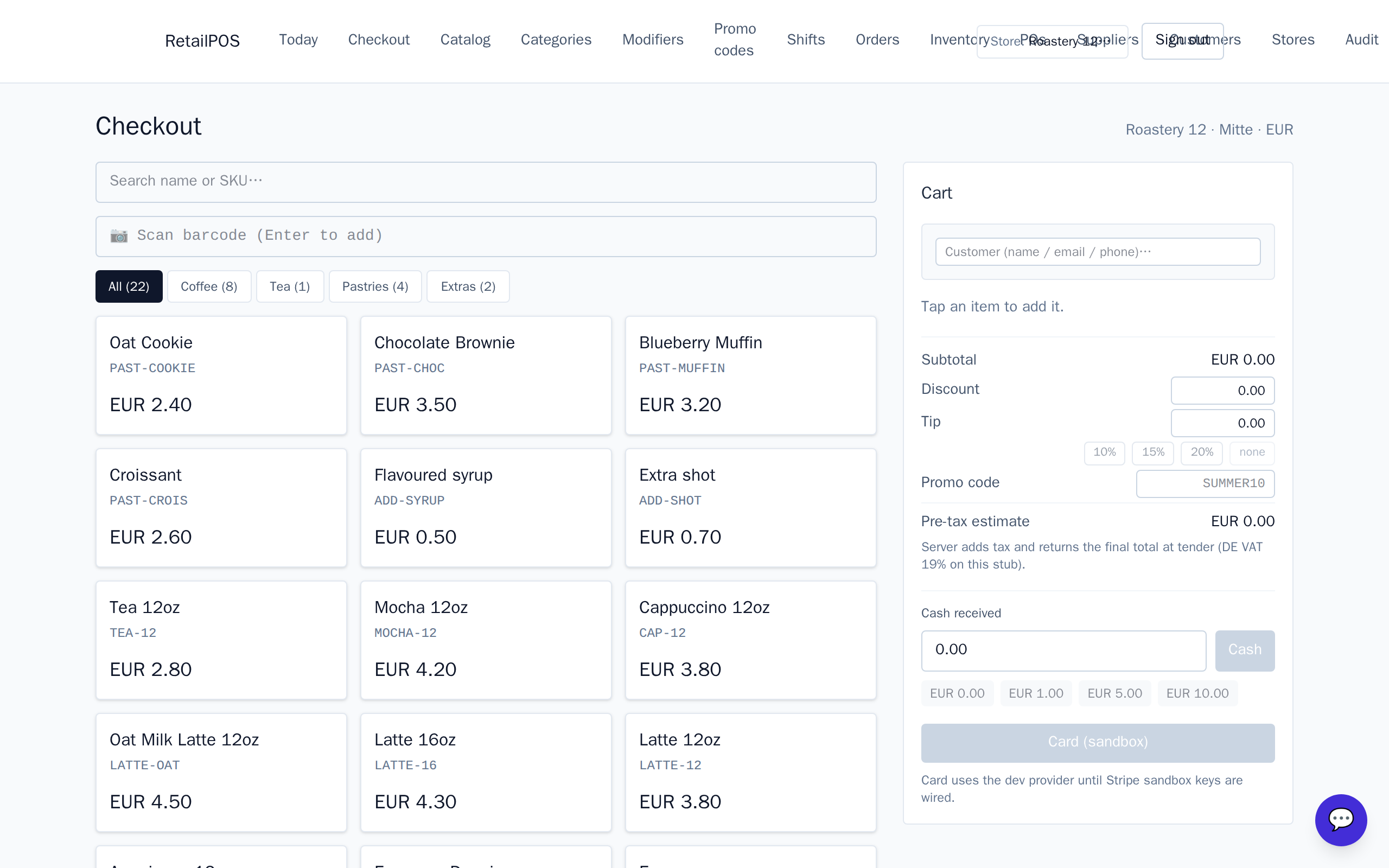
Set the service type
Each order carries a service type — dine-in, takeaway, delivery. The cashier sets it as part of the order, and it stays with that ticket through the kitchen and the receipt.
Service-type tax
Tax is applied according to the service type, so an eat-in burger and a takeaway burger can carry different tax where the law says so. Configure the rates for your region in Settings; the register then does it automatically.
Frequently asked
- What if dine-in and takeaway are taxed the same here?
- Then set both rates the same; the service type still tags the order for your reports but the tax is identical.
- Does the service type reach the kitchen?
- Yes. It travels with the ticket, so the kitchen and packer know whether it’s for here or to go.
Related articles
Put it into practice.
Open your shop and try it live. Free until your first 100 sales — no card, keep your hardware.