Stylists and commission
For Salon owners & managers · 6 min read · Last reviewed 2026-08-04
In a salon, revenue belongs to a person. The stylist who did the colour — and the one who sold the shampoo at the desk — should each see the credit. RetailPOS ties every line to a stylist at the register, then pays commission on it.
You set one default rate for the whole salon and override it per stylist where the split differs. The staff report does the maths per person, per period.
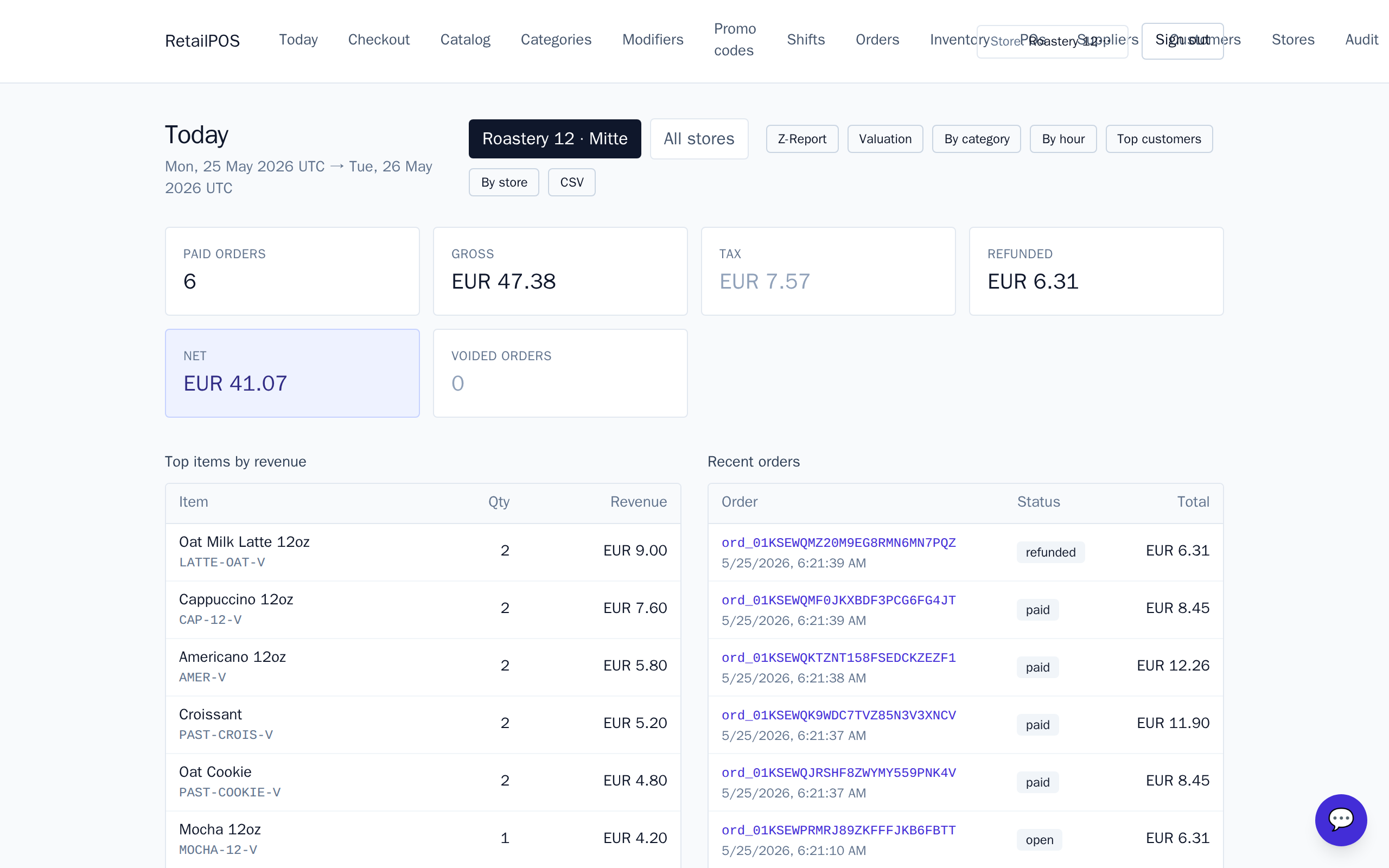
Attribute a line to a stylist
At the register, pick the stylistfor the ticket. Each line is credited to that staff member — the service they performed and any retail they sold on the same ticket. That’s what commission and the staff report read.
Set the default commission rate
- Go to Settings → Orders.
- Set Staff commission rate — for example 30%. This is your salon-wide default.
- Save. From now on, credited lines earn commission at this rate.
Override the rate per stylist
Seniors and juniors rarely earn the same split. On the Users page, set a commission rate on an individual stylist to override the default for their lines. Leave it blank and the tenant default applies again.
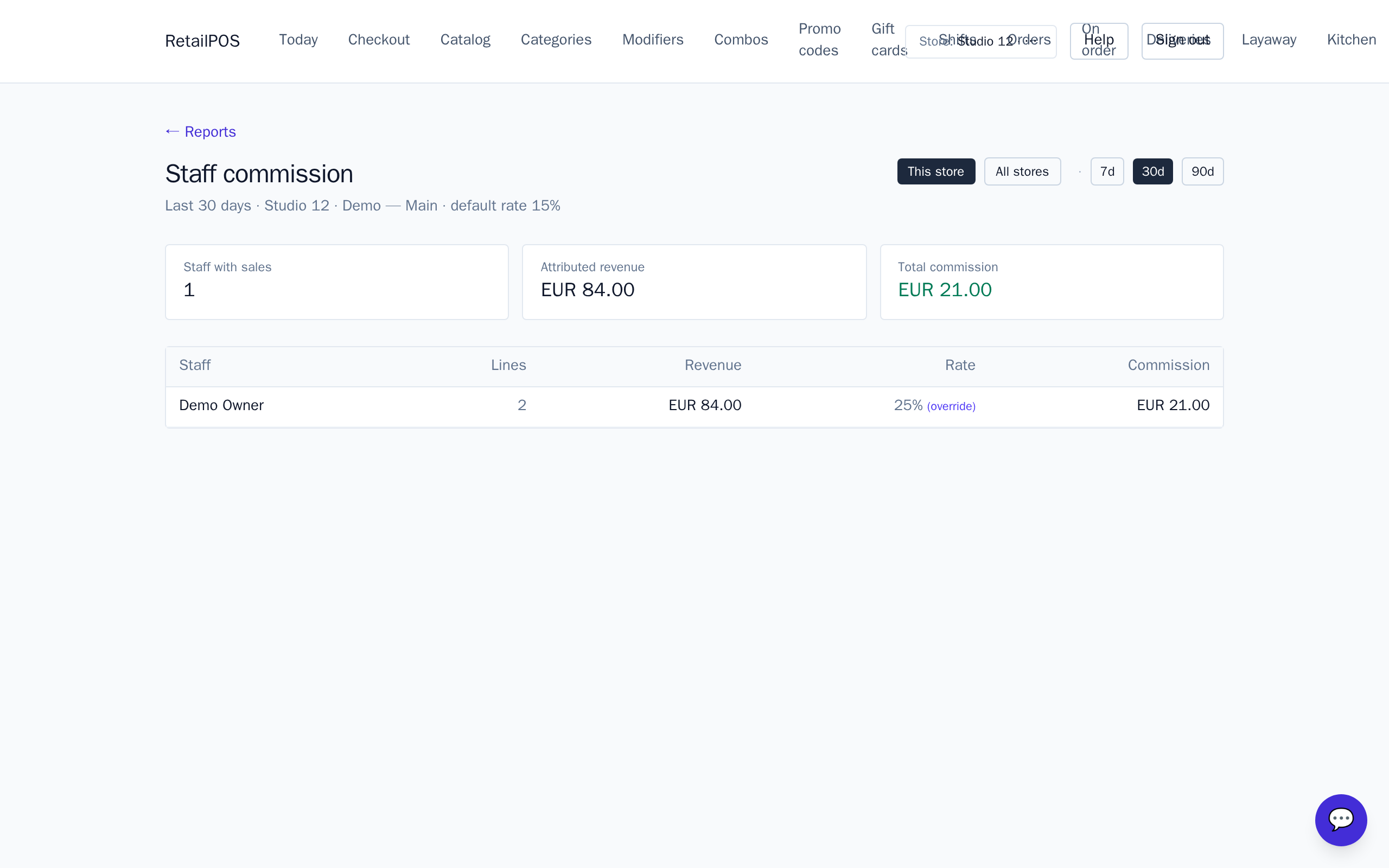
Read the staff commission report
Open Reports → Staff. Each stylist shows line count, revenue, the rate applied (their override or the default) and the commission earned, over the period you choose. Scope it to the current location or across all locations, then use it to run payroll.
Frequently asked
- Where does commission come from?
- A tenant-wide default rate in Settings > Orders, with an optional per-stylist override on the Users page. Both feed the staff commission report.
- Does retail count toward a stylist’s commission?
- Yes, when the retail line is credited to that stylist on the ticket. Ring it on the same ticket as the service.
- Can I report on all my locations at once?
- Yes. The staff report can scope to the active location or roll up across every location.
Related articles
Put it into practice.
Open your shop and try it live. Free until your first 100 sales — no card, keep your hardware.