Barcodes and stock per variant
For Boutique owners & managers · 5 min read · Last reviewed 2026-08-04
Because each cell of a grid is its own SKU, each one also carries its own barcode and its own stock. Scan the tag on a size-L navy tee and RetailPOS rings that exact variant — not just “tee” — so the sale draws down the right cell and your counts stay honest.
This per-variant precision is what lets you answer the buyer’s real question: not “how many tees sold” but “which size and colour sold first, and what should I reorder.”
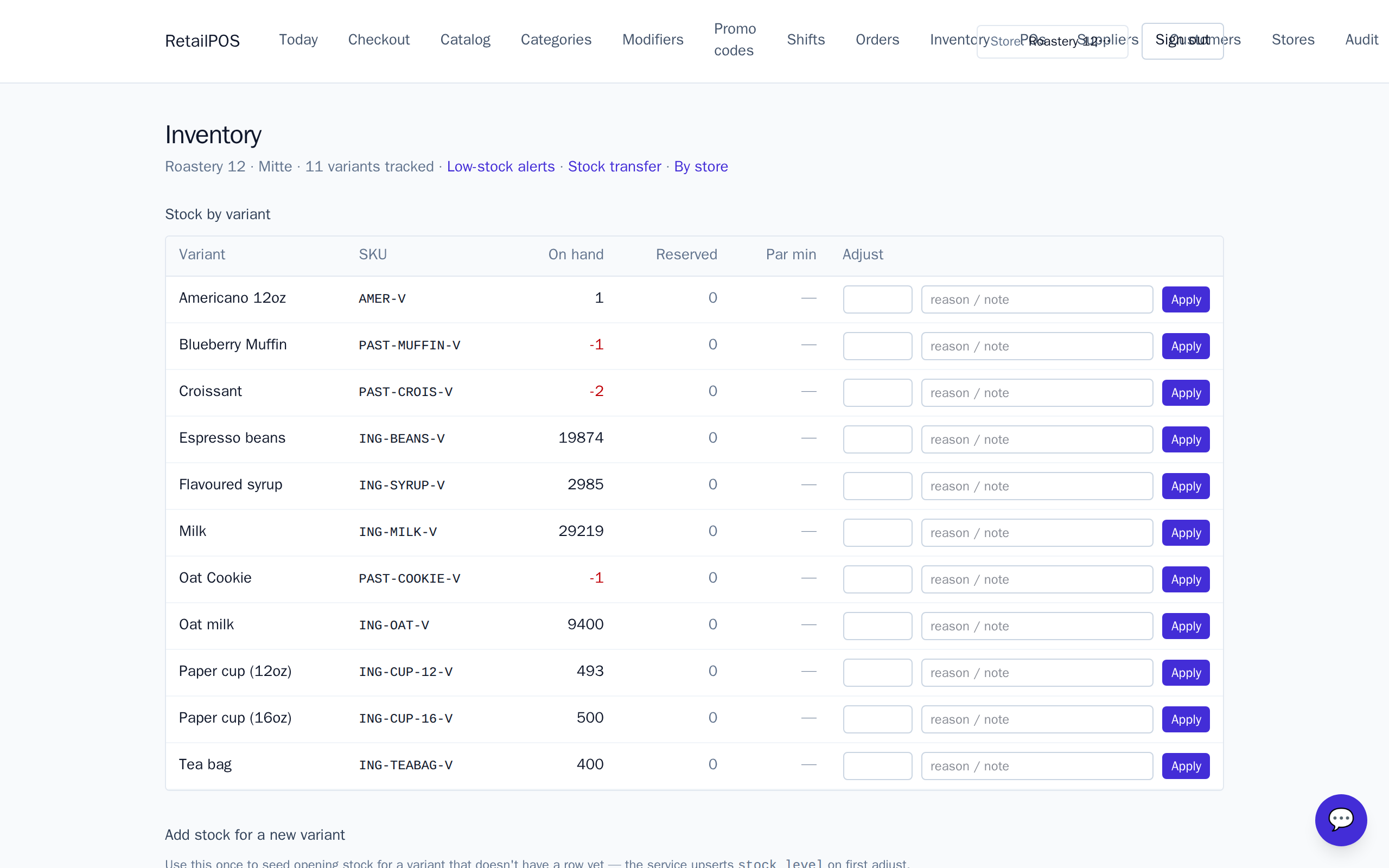
A barcode per variant
Every variant can hold its own barcode. When a tag is scanned at the till, RetailPOS looks the code up and adds that precise size × colour to the basket. No picking through a grid on a busy Saturday — the scan resolves straight to the cell.
Stock held per cell
On-hand is tracked per variant, so the cream blouse in M and the sage blouse in M are counted separately. Selling one moves only that cell; the others are untouched. That is the whole point of the grid — independent counts for independently selling items.
Receive, count and reorder
Set on-hand quantities per variant when stock arrives, and set low-stock thresholds on the cells that matter so you reorder the popular size before it runs dry. Because the counts are per cell, the low-stock signal tells you it is size M you are short of, not the style in general.
Frequently asked
- Does scanning add the exact size and colour?
- Yes. Each variant carries its own barcode, so a scan resolves straight to that size × colour cell and rings it — no manual grid picking.
- Is stock shared across a design or held per cell?
- Per cell. Every size × colour variant has its own on-hand count, so selling one does not touch the others.
- Do boutique items use recipes like the coffee pack?
- No. Apparel is directly stocked — the item on the shelf is what sells — so stock just moves as you receive and sell each variant.
Put it into practice.
Open your shop and try it live. Free until your first 100 sales — no card, keep your hardware.