Set up the Boutique pack
For Boutique owners · 5 min read · Last reviewed 2026-08-04
In apparel, one style is rarely one thing to sell. A cotton tee in three colours and three sizes is nine physically distinct items, each with its own on-hand count and each able to sell out on its own. The Boutique pack sets up a catalogue built for exactly that — every design is a size × colour grid of stockable variants, so the till shows one tile per design and the cashier picks the cell.
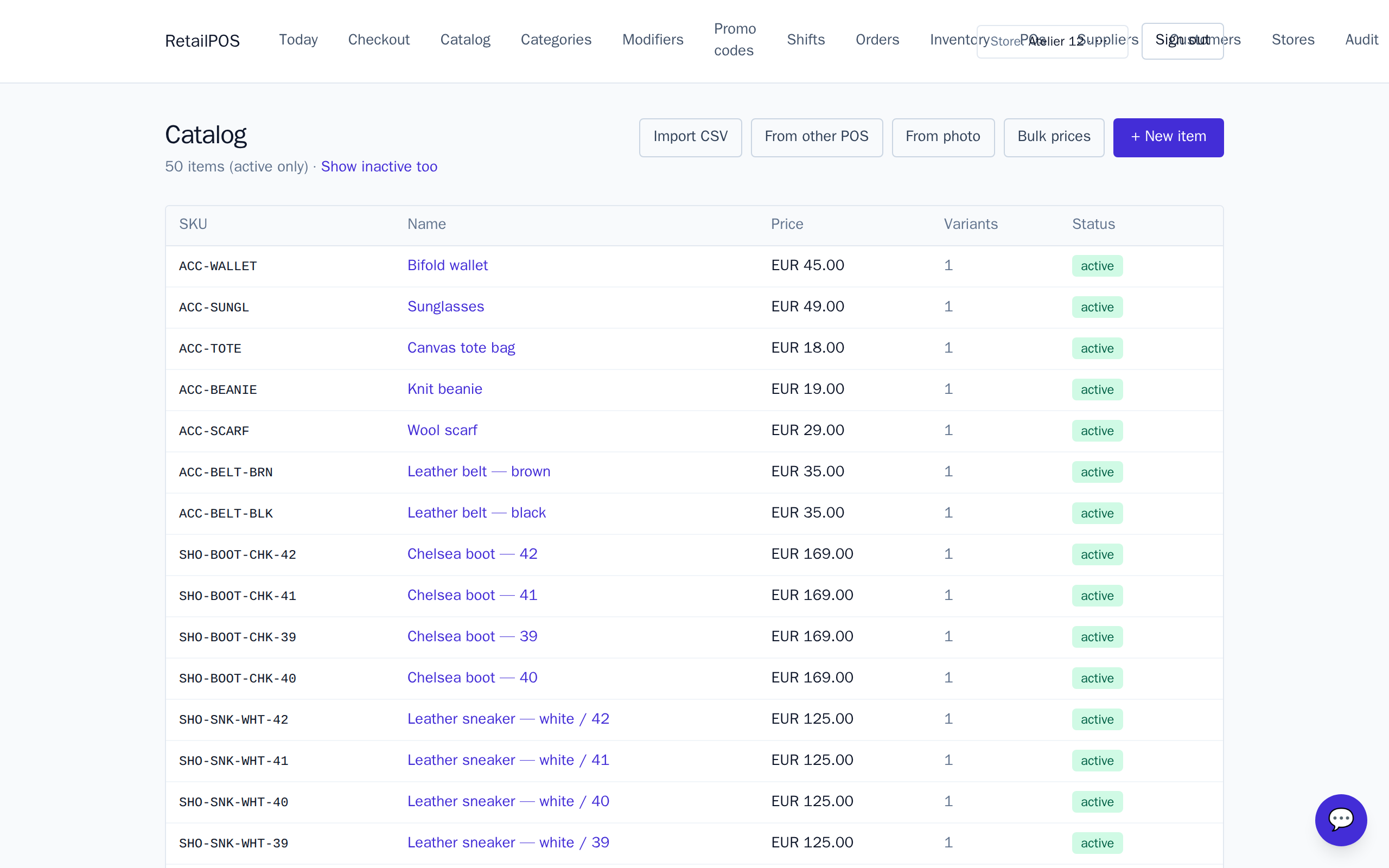
Installing the pack seeds a working shop: tops, bottoms, dresses, outerwear, footwear and one-size accessories, with a sample Cotton Tee 3-pack to show how a combo can bundle specific variants. Rename the samples to your own lines, set your prices, and you are selling.
Install and shape your catalogue
- Install the Boutique pack on a fresh store.
- Rename the sample designs to your own styles and set your prices.
- For each design, use the variant grid to lay out its sizes and colours.
- Give accessories (belts, scarves, totes) no grid — one-size items stay single-variant.
How the pack thinks about a design
A design is a single catalogue item that carries a slice of variants— each variant is one size × colour combination with its own SKU and its own stock. The register shows one tile per design and the cashier picks the size and colour, rather than hunting through nine separate line items.
What to set up next
- The size & colour grid — build and seed a whole matrix of variants at once.
- Barcodes & stock per variant — a scannable code and an on-hand count for every cell.
- Build your catalogue — categories, prices and item basics.
Frequently asked
- Do I need a separate item for every size and colour?
- No. A design is one catalogue item carrying a grid of variants — one per size × colour. The till shows a single tile and the cashier picks the cell.
- What about one-size items like a belt or a scarf?
- Leave them without a grid. Accessories stay single-variant, so you do not carry empty size or colour axes for items that do not need them.
Put it into practice.
Open your shop and try it live. Free until your first 100 sales — no card, keep your hardware.