Build your catalog: items, variants, prices and modifiers
For Owners & managers · 6 min read · Last reviewed 2026-08-04
Your catalog is what your registers sell. An item can have one or many variants (a small/large coffee, a ring in three sizes), each with its own price and barcode. Items live in categories and can carry modifiers (extra shot, no onions).
If you installed a vertical pack you already have a starter catalog to edit. Otherwise you build it here from scratch — by hand or with a CSV import.
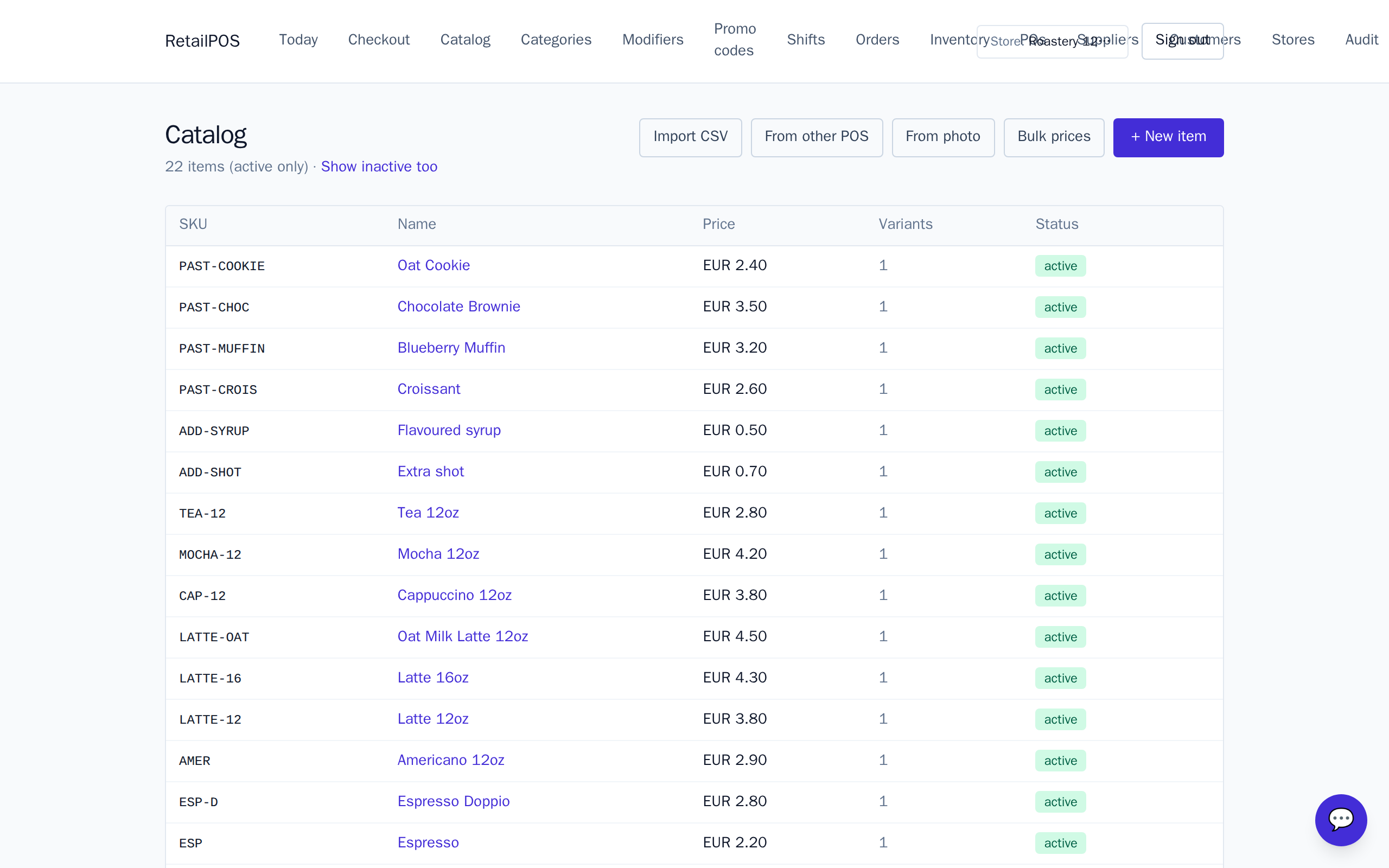
Add an item
- Open Catalog and choose New item.
- Name it, put it in a category, and add at least one variant with a price.
- Optionally add a barcode per variant so cashiers can scan instead of tap.
Variants and prices
Use variants for anything the customer picks between at the same “product” — sizes, colours, grinds. Each variant has its own price and can have its own barcode, so a scanned code always resolves to exactly one variant. Add or change prices under a variant’s Prices.
Categories and modifiers
Categoriesgroup the register’s buttons and drive the by-category report. Modifier groupsare reusable option sets — “Milk”, “Temperature”, “Add-ons” — that you attach to the items they apply to. Modifiers can be free or add to the price.
Bulk-import with a CSV
Moving from a spreadsheet or another POS? Use Import on the Catalog page to load items in bulk. Map your columns to name, category, variant, price and barcode, and RetailPOS creates the catalog for you. See the migration guides under field guides for per-competitor export steps.
Frequently asked
- What is the difference between an item and a variant?
- An item is the product; a variant is a specific version you price and scan — a size, colour or grind. Every sellable thing is a variant.
- Can I import my products from another POS?
- Yes. Use the CSV import on the Catalog page and map your columns. The field guides cover exporting from Square, Clover, Lightspeed, Vend, Toast, Shopify and Tally.
Put it into practice.
Open your shop and try it live. Free until your first 100 sales — no card, keep your hardware.