Create your account and your first store
For Owners · 4 min read · Last reviewed 2026-08-04
RetailPOS is multi-store from the first sale. When you sign up we create your business (your tenant), your first store (a location), and you as the owner— all in one step. You never have to “upgrade” to add a second store later; it’s there on every plan.
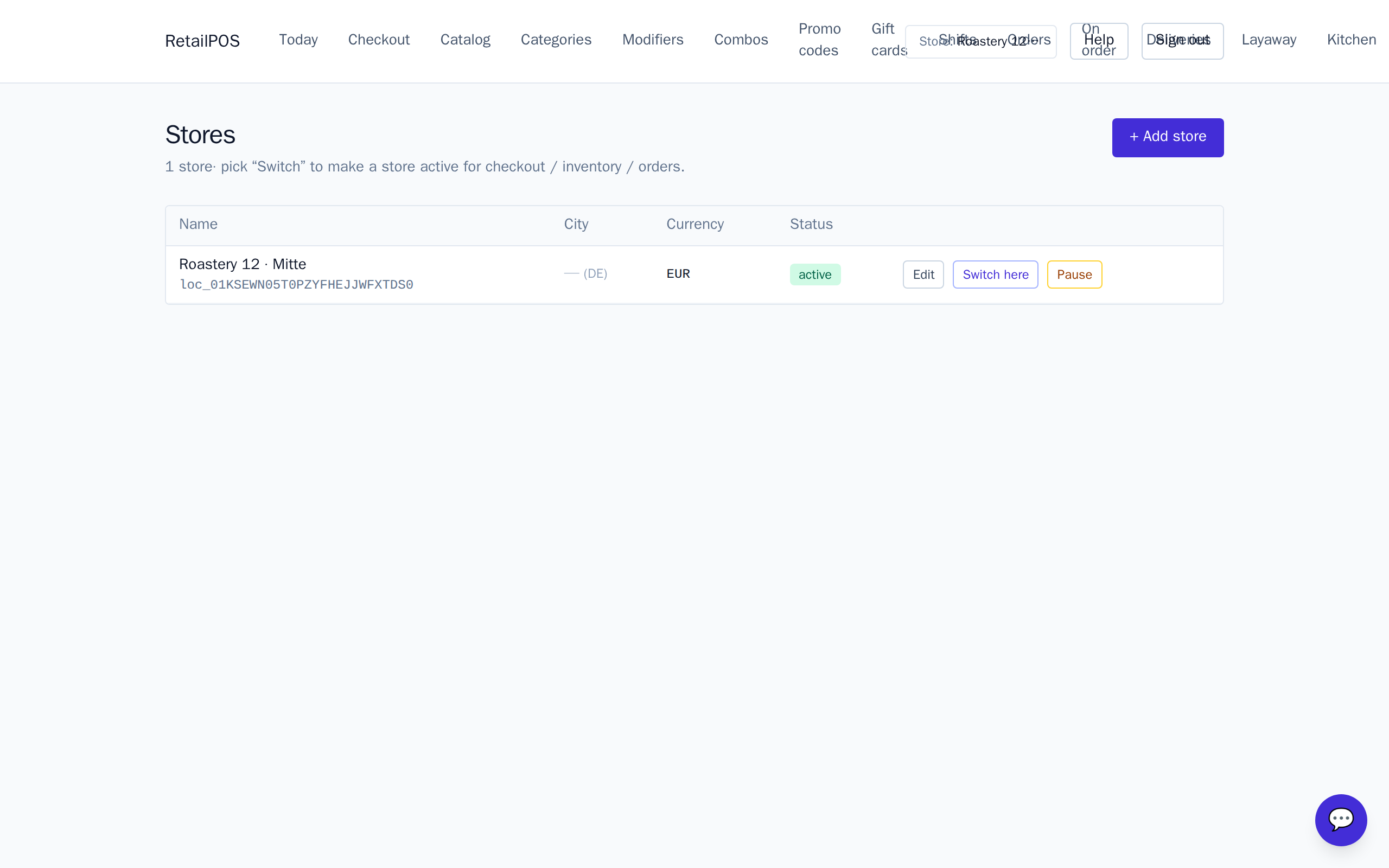
This article covers signing up, what the store model means, and how the active-store picker in the top bar decides which store your catalog, stock and reports belong to.
Sign up
Creating an account takes about thirty seconds and needs no card.
- Go to the sign-up page and enter your business name, email and a password.
- You land in the back office as the owner, with your first store already created.
- Your business is billed nothing until your first 100 sales.
Business, store, register — how they fit
Three words come up constantly. They nest:
- Business (tenant) — your company. Owns everything below it and is fully isolated from every other business on the platform.
- Store (location) — a physical shop. Stock, shifts and the Z-report are per store. You can have as many as you like.
- Register — a till at a store, running the register app. Sales ring against a store.
Catalog (items, prices, modifiers) is shared across your stores; stock and cash are tracked per store.
The active store
The pill in the top-right of the back office shows your active store. Everything you view or edit — stock levels, shifts, today’s numbers — is scoped to it. Click the pill to switch stores.
Next steps
With your store created, the fastest path to your first sale is: install a vertical pack to seed a starter catalog, then ring your first sale.
Frequently asked
- Do I need a card to sign up?
- No. You are billed nothing until your first 100 sales.
- Can I add more stores later?
- Yes — multi-store is on every plan. Add a store under Stores in the nav any time.
Put it into practice.
Open your shop and try it live. Free until your first 100 sales — no card, keep your hardware.