Bulk price breaks
For Grocers & managers · 4 min read · Last reviewed 2026-08-04
Grocers reward buying more: a bag of rice is one price, five bags a bit less each, ten less again. RetailPOS handles this with quantity price tiers — the unit price steps down as the quantity on the line crosses thresholds you set.
The Grocery pack ships this on staples like rice, flour, sugar and olive oil, and on beer multipacks, so you can see the pattern and copy it onto your own lines.
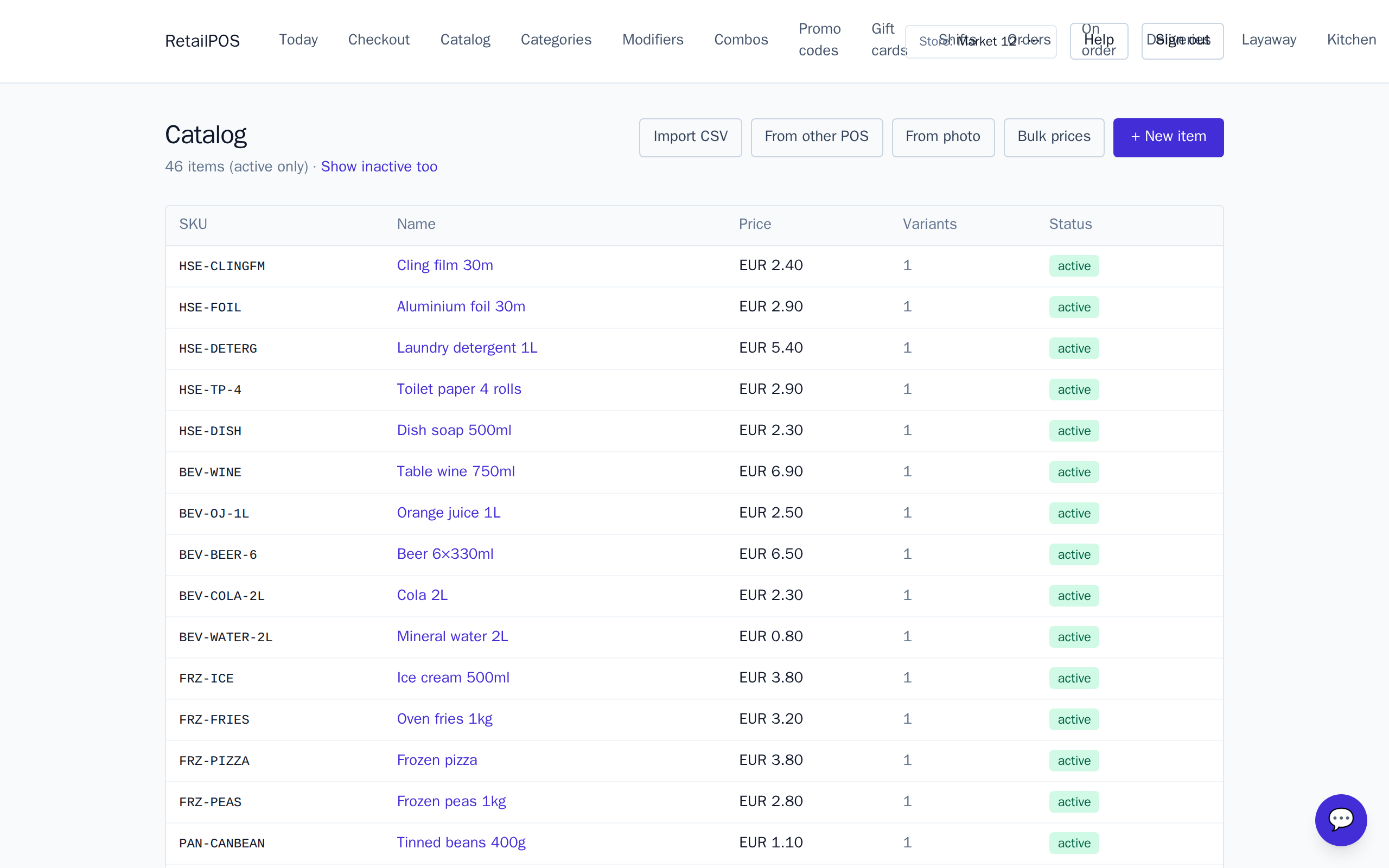
Add price tiers to an item
- Open the staple in the Catalog.
- Add price tiers: a minimum quantity and the unit price at that quantity.
- Each tier must buy more for less — a higher minimum quantity at a lower unit price.
How tiers apply at the till
When the quantity on a line reaches a tier’s threshold, that tier’s unit price takes over automatically — the cashier just rings the quantity. Buy nine bags of rice at the base price; buy ten and the whole line drops to the ten-plus price.
Frequently asked
- Do tiers have to get cheaper as quantity rises?
- Yes. Each tier is a higher minimum quantity at a lower unit price, so buying more always costs less per item.
- Does the cashier pick the tier?
- No. The right tier applies automatically once the line quantity reaches its threshold.
Put it into practice.
Open your shop and try it live. Free until your first 100 sales — no card, keep your hardware.