Suppliers and purchase orders
For Owners & managers · 4 min read · Last reviewed 2026-08-04
Purchasing closes the inventory loop. Keep a list of suppliers, raise a purchase order when stock runs low, and receive it when the delivery arrives so on-hand goes up and costs are recorded.
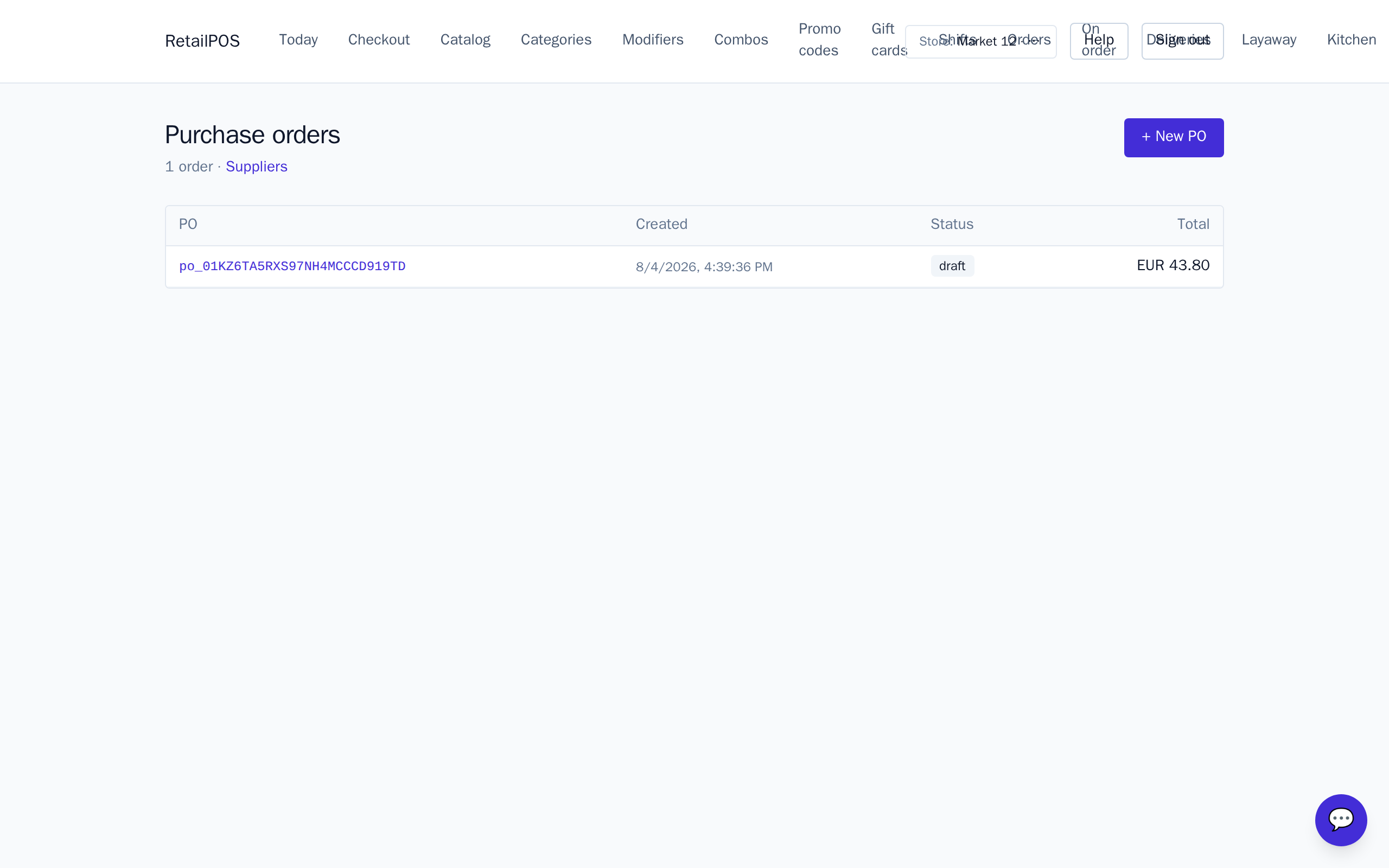
Add suppliers
Open Suppliers and add each vendor you buy from. You’ll pick one when raising a PO.
Raise a purchase order
- From POs, start a new purchase order and choose the supplier.
- Add the variants and quantities you’re ordering. Low-stock items are the usual candidates.
- Send it to the supplier.
Receive stock
When the delivery lands, receive it against the PO. On-hand for the active store goes up by the received quantities and the movement is logged, so your stock levels and valuation stay accurate.
Frequently asked
- Can I receive a partial delivery?
- Yes — receive the quantities that actually arrived; the PO reflects what is still outstanding.
Put it into practice.
Open your shop and try it live. Free until your first 100 sales — no card, keep your hardware.