Running multiple stores and transferring stock
For Owners & managers · 4 min read · Last reviewed 2026-08-04
Multi-store isn’t a premium tier in RetailPOS — it’s the model. Your catalog is shared; stock, shifts and reports are per store. Move stock between locations with a transfer.
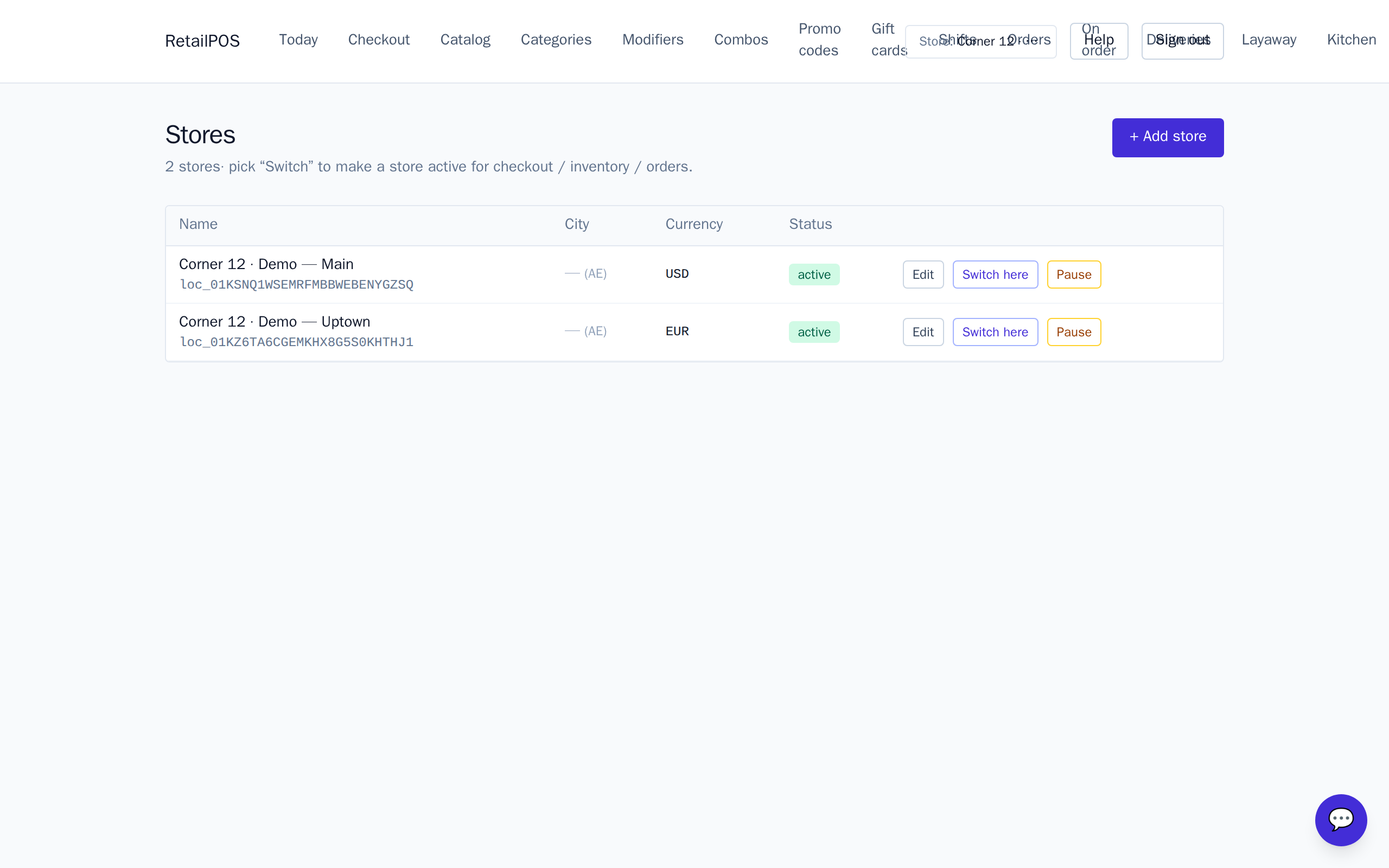
Add and switch stores
Add a store under Stores, then switch to it with the pill in the top-right. Whatever you view — stock, shifts, today’s numbers — follows the active store.
Transfer stock between stores
Use a transfer to move stock from one location to another: it decrements the source and increments the destination, both logged as movements, so nothing goes missing in the handover.
Frequently asked
- Is multi-store extra?
- No. It is included on every plan — RetailPOS is multi-store from the first sale.
- Do prices differ per store?
- The catalog is shared, so prices are shared by default. Stock and cash are what differ per store.
Put it into practice.
Open your shop and try it live. Free until your first 100 sales — no card, keep your hardware.