Take payments: bring your own Stripe, and cash
For Owners · 5 min read · Last reviewed 2026-08-04
RetailPOS is bring-your-own-processor: you connect your own Stripe account and card money settles directly to you, at your Stripe rate, with no markup from us. Cash is first-class too, counted against the drawer at every shift close.
This article covers taking cash, connecting card processing, and splitting a sale across tenders.
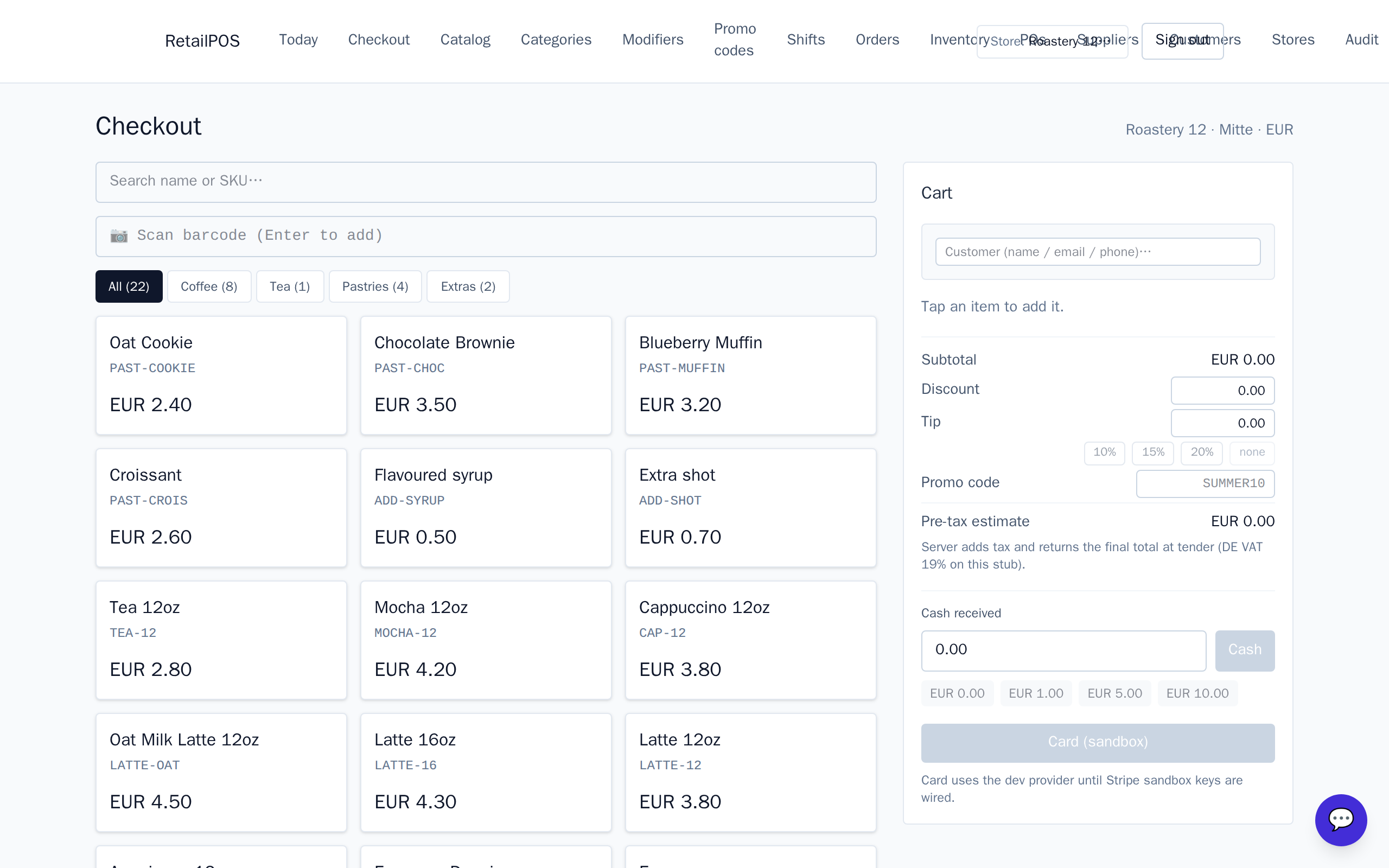
Cash
At checkout, choose cash, enter the amount tendered, and the screen shows the change to give. Cash only reconciles correctly when a shift is open — the drawer maths at close depends on it.
Card — connect your Stripe
Connect your Stripe account in Settings. Card payments then run through your account and settle to your bank on Stripe’s schedule. Because it’s your account, you keep your negotiated rate.
Split tenders
A single sale can be paid part-cash, part-card — add one tender, then another, until the balance reaches zero. The order only finalises (and stock decrements) once it’s fully paid.
Frequently asked
- Do you take a cut of card payments?
- No. You connect your own Stripe account and pay only your Stripe rate. RetailPOS does not mark up processing.
- Can a customer pay part cash, part card?
- Yes. Add multiple tenders to one sale; it finalises when the balance hits zero.
Put it into practice.
Open your shop and try it live. Free until your first 100 sales — no card, keep your hardware.