Set up the Pet store pack
For Pet shop owners · 5 min read · Last reviewed 2026-08-04
A pet shop with a grooming room lives a double life — half retail (kibble, treats, toys, aquarium and reptile supplies), half services (full grooms, baths, nail trims). The Pet store pack sets up both halves on one tenant, so the same customer who buys a 30lb bag on Wednesday and books a groom on Saturday sits on a single record.
Installing the pack seeds categories, a starter catalogue of food and supplies, a grooming service menu, a dog-food bundle and a groomer commission default — enough to start ringing sales, then rename and reprice to match your shop.
Install and shape your catalogue
- Install the Pet store pack on a fresh store.
- Rename the sample products to your ranges and set your prices.
- You get categories for dog, cat, small animal, aquarium, reptile, toys & treats, health and grooming services — keep the ones you stock, remove the rest.
Multi-pack sizes
The same brand often comes in several sizes — a 12oz can, a 5lb bag, a 30lb bag. The pack seeds each size as its own scannable SKU, so the cashier scans the barcode on the bag in hand and the right price rings up.
What to set up next
- Grooming services & commission — sell grooms alongside retail and credit the groomer.
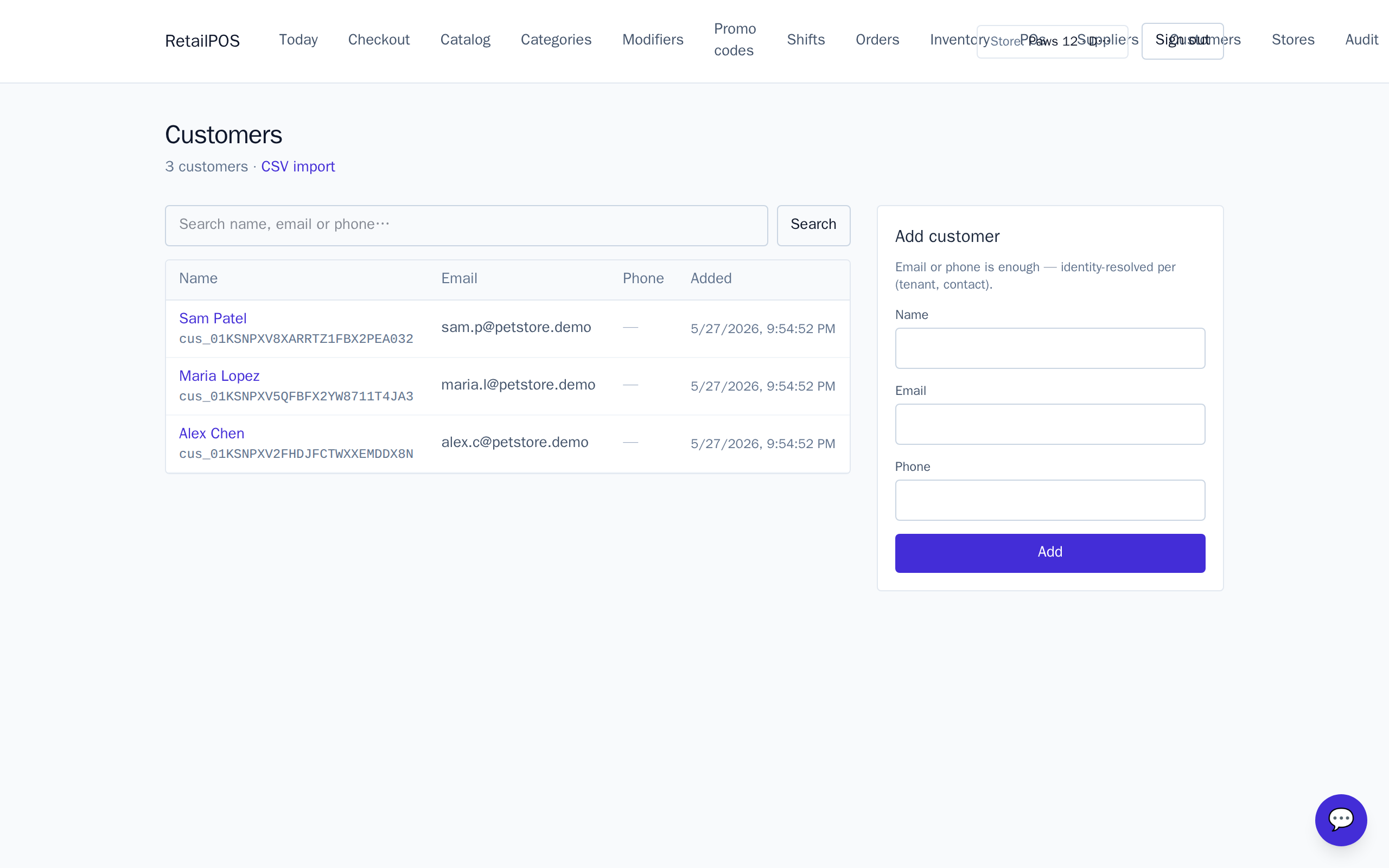
- Customers & pet records — keep each pet’s allergies and last groom on the customer.
- Bundles & loyalty — the dog-food bundle and points for regulars.
Frequently asked
- Can I sell retail and grooming on the same till?
- Yes. Both live on one tenant with one customer database and one cash drawer, so a single ticket can mix a bag of kibble and a full groom.
- I only sell retail, no grooming. Is the pack still useful?
- Yes. Remove the grooming category and set the commission rate to zero in Settings → Orders, and you have a straight pet-retail catalogue.
Put it into practice.
Open your shop and try it live. Free until your first 100 sales — no card, keep your hardware.