Selling controlled substances
For Pharmacists · 6 min read · Last reviewed 2026-08-04
Controlled substances carry legal duties: record who bought what, enforce limits, and keep an auditable register. RetailPOS builds this into the sale — when a controlled product hits the cart, the register prompts for what the law wants and posts to the controlled register.
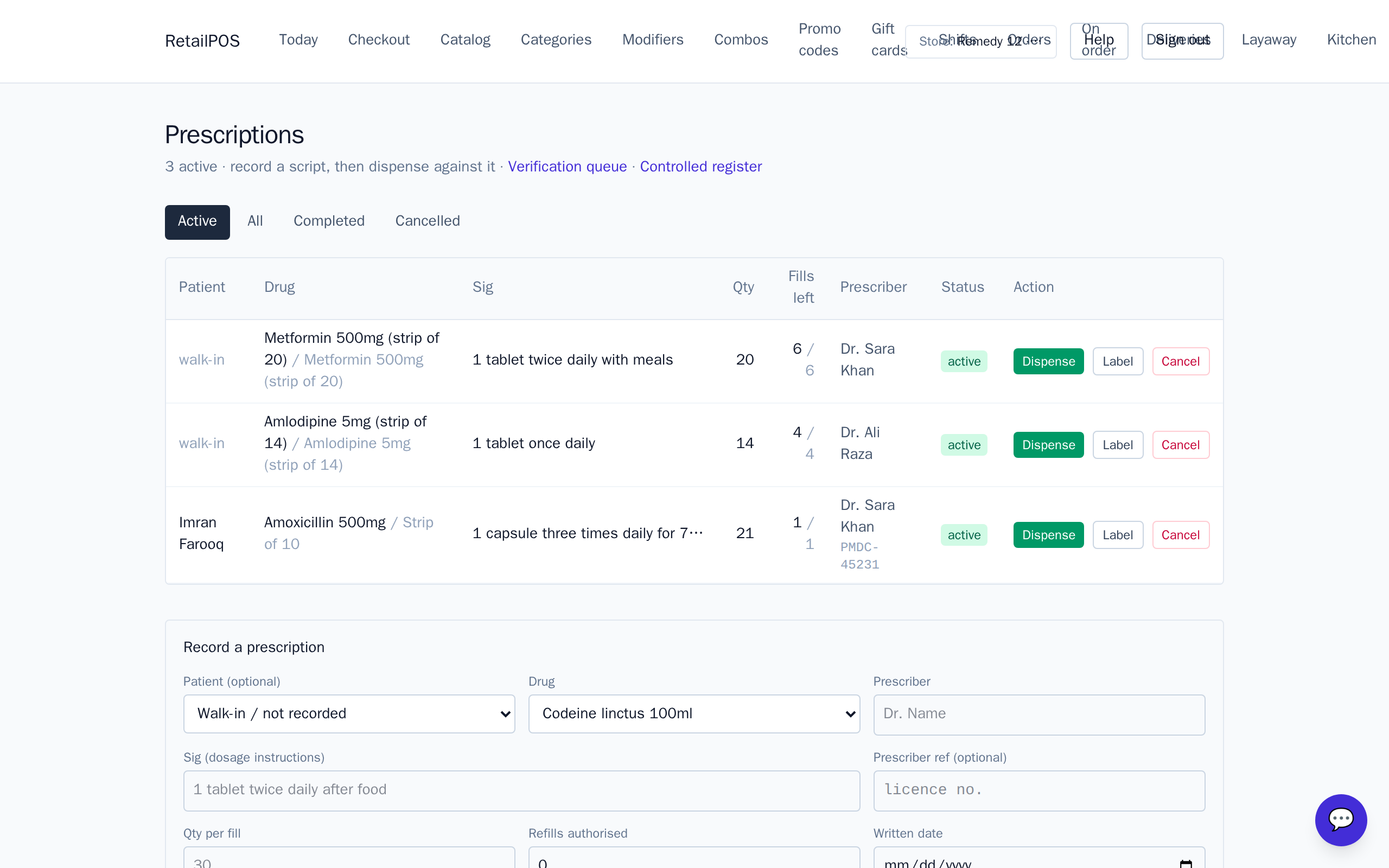
Classify by schedule
Mark controlled products with their schedule during classification. The schedule decides what the register asks for and which limits apply.
Buyer capture at checkout
Selling a controlled item prompts the cashier for the required buyer details before the sale can complete. That capture is what makes the entry in the controlled register meaningful.
Limits, age checks and the register
RetailPOS can enforce purchase limits and an age check at the point of sale, and every controlled sale lands in the controlled register — a standing, auditable log you can produce on inspection.
Frequently asked
- Is the controlled register automatic?
- Yes. Compliant controlled sales post to the register as part of checkout — there is no separate paperwork step to forget.
- Can I cap how much a customer buys?
- Yes. Purchase limits and age checks are enforced at the register for scheduled products.
Put it into practice.
Open your shop and try it live. Free until your first 100 sales — no card, keep your hardware.