Set up the Pharmacy pack
For Pharmacists & owners · 6 min read · Last reviewed 2026-08-04
A pharmacy is a shop with rules: some products expire, some need a prescription, some are controlled and logged by law, and a lot of the money comes through insurance. The Pharmacy pack turns RetailPOS into a dispensing system that handles all four without bolting on a second product.
This is the map. Each capability has its own article — start here, then follow the links as you set each one up.
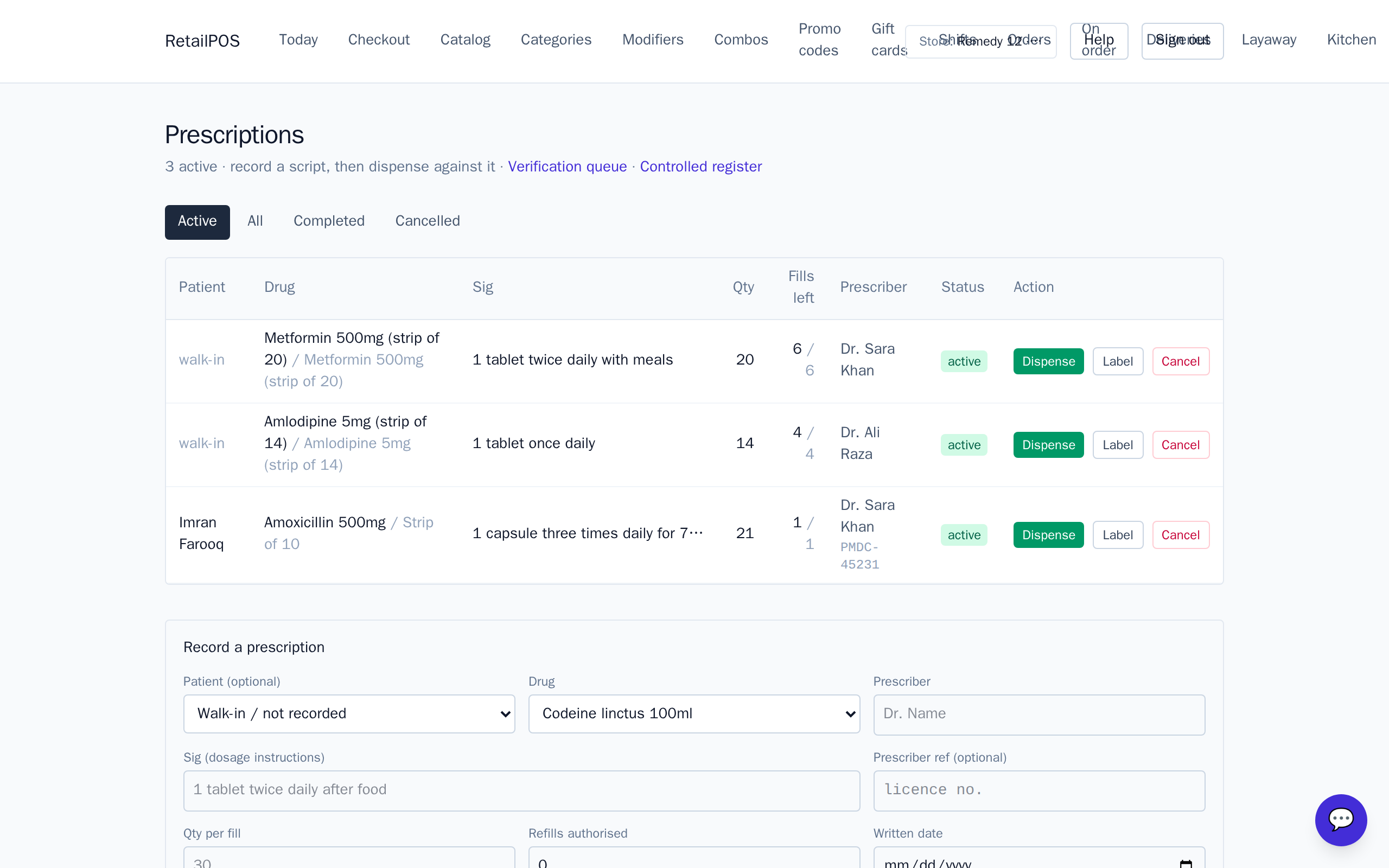
Install the pack and classify your drugs
- Install the Pharmacy vertical pack on a fresh store.
- Classify each product — over-the-counter, prescription-only, or controlled (with its schedule).
- Classification is what drives the rest: expiry prompts, the Rx requirement, and the controlled register.
Note:Classification is the foundation. A product marked prescription-only can’t be sold at the register without a linked prescription; a controlled product triggers buyer capture.
What to set up next
- Expiry & FEFO lots — track batches by expiry and dispense the earliest first.
- Prescriptions, dispensing & verification — the Rx → dispense → pharmacist-check workflow.
- Controlled substances — the register register and buyer capture.
- Insurance & copay — payers, plans and splitting a sale between insurer and patient.
Frequently asked
- Do I need every pharmacy feature?
- No. Classification is the base; turn on expiry, prescriptions, controlled handling and insurance as your pharmacy needs them.
- Can a pharmacy still sell ordinary retail items?
- Yes. Front-of-shop OTC and general goods ring like any normal sale; only classified products invoke the extra rules.
Put it into practice.
Open your shop and try it live. Free until your first 100 sales — no card, keep your hardware.