Insurance payers, plans and copay splits
For Pharmacists & owners · 6 min read · Last reviewed 2026-08-04
At most pharmacies the patient pays part of the bill and an insurer pays the rest. RetailPOS models this directly: set up your payers and their plans, then at checkout split the sale into an insurer portion and a patient copay.
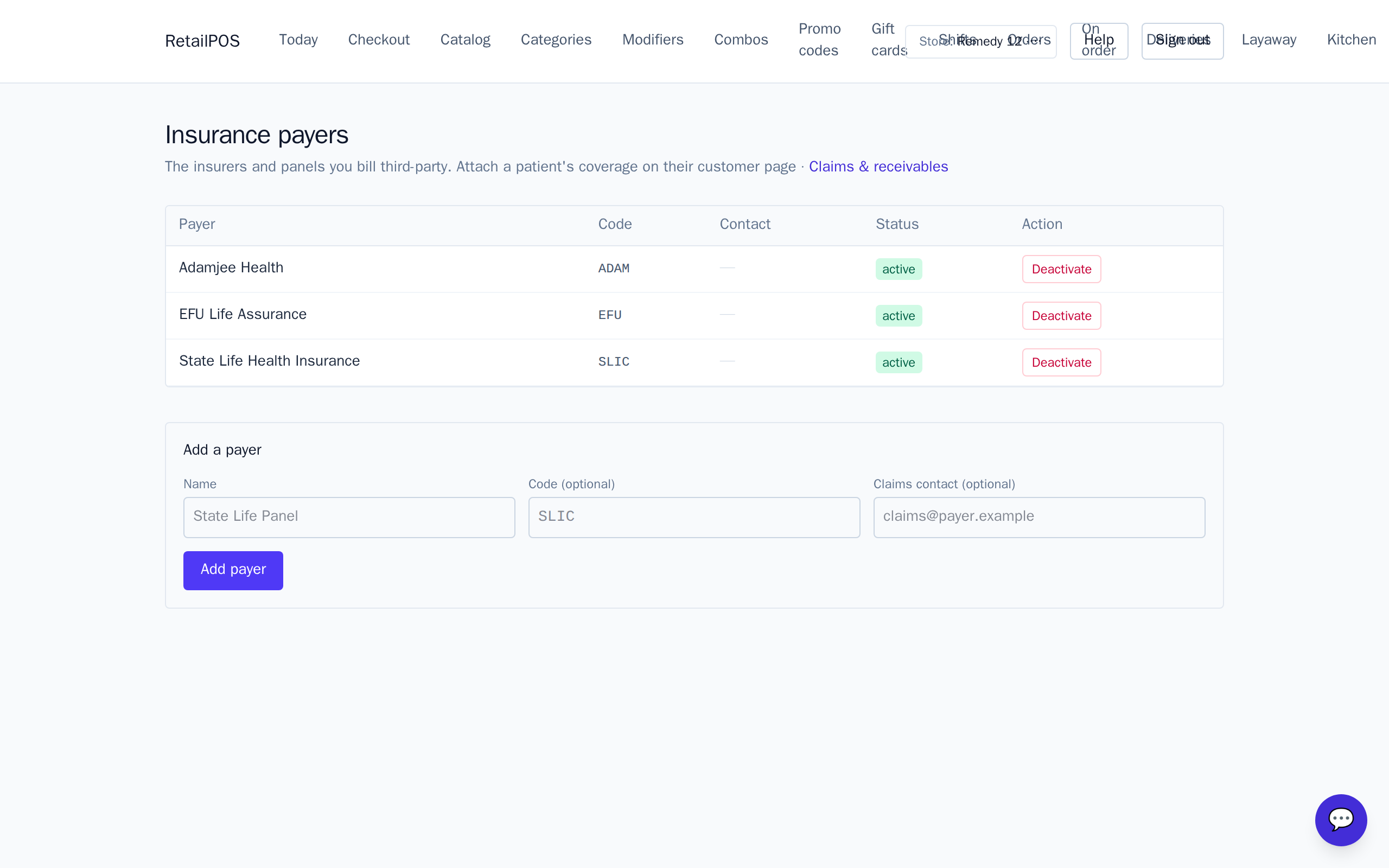
Set up payers and plans
Open Insurance and add each payer (the insurer) and their plans. Plans hold the terms that decide how a sale splits.
Copay split at checkout
- Attach the patient’s plan to the prescription sale.
- RetailPOS splits the total into the insurer portion and the patient copay.
- The patient pays their copay at the register; the insurer portion becomes a claim.
Managing claims
The insurer’s share is tracked as a claim you can manage, export and reconcile — including refunds and reversals when a sale is undone — so the money owed to you never falls through the cracks.
Frequently asked
- Can one sale be part-insurance, part-cash?
- Yes. The copay split produces a patient portion the patient pays at the register and an insurer portion tracked as a claim.
- What happens on a refund?
- Claims support refunds and reversals, so undoing an insured sale unwinds the claim too.
Related articles
Put it into practice.
Open your shop and try it live. Free until your first 100 sales — no card, keep your hardware.